Deepgram vs Whisper for Desktop Voice Input
Choose the speech-to-text engine that matches your real workflow: fast streaming dictation, private local transcription, multilingual accuracy, or predictable cost control.
If you want low-latency streaming dictation, start with Deepgram. If you want local/private transcription or stronger open-source control, use a Whisper-compatible local or hosted provider. OpenTypeless lets you switch between both approaches and then polish the transcript with your chosen LLM before inserting it into any desktop app.
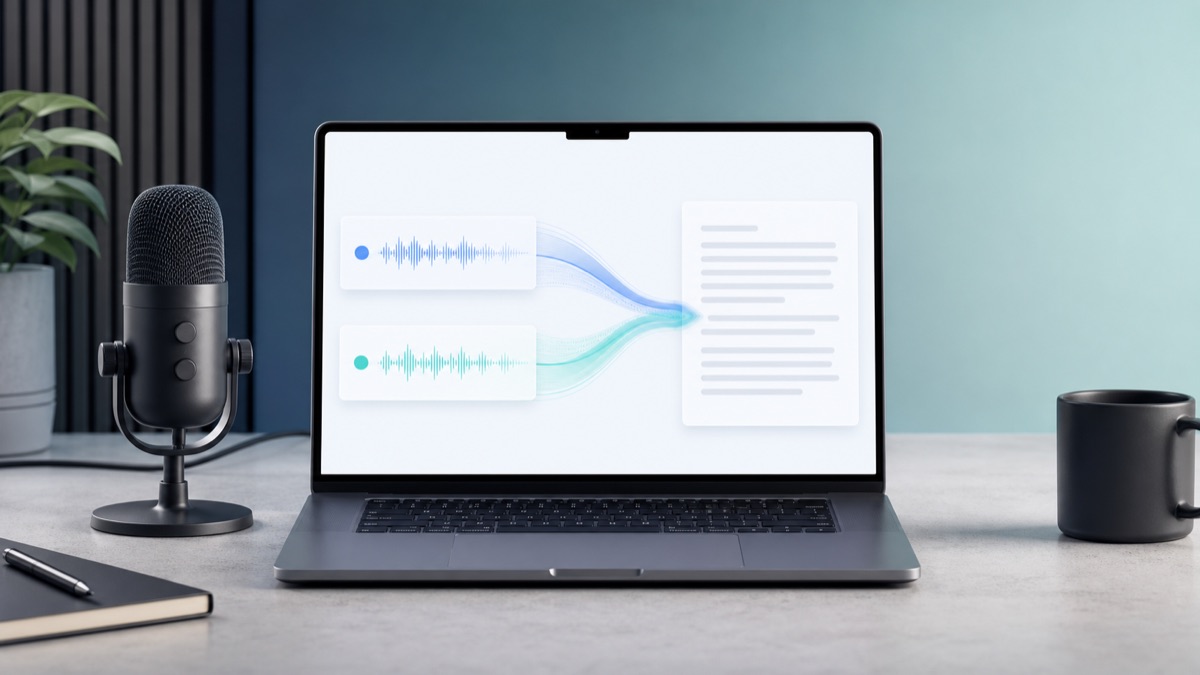
Choose by the job you need done
If you want low-latency streaming dictation, start with Deepgram. If you want local/private transcription or stronger open-source control, use a Whisper-compatible local or hosted provider. OpenTypeless lets you switch between both approaches and then polish the transcript with your chosen LLM before inserting it into any desktop app.
Pick Deepgram for live dictation
Deepgram is the practical default when you care most about fast streaming feedback and a responsive hotkey workflow.
Pick Whisper for control
Whisper-compatible providers are a better fit when you care about local options, open-source models, or portable transcription behavior.
Use OpenTypeless to avoid lock-in
The desktop app keeps provider choice in settings, so you can test latency, cost, and accuracy without replacing your workflow.
Real OpenTypeless workflow
Generated visuals can explain an idea, but product proof should stay close to the app UI.
How to evaluate Deepgram
Deepgram is strongest when dictation needs to feel live. It is a hosted API-first path with streaming models, low perceived latency, and straightforward integration for voice input tools.
For OpenTypeless users, Deepgram is usually the first provider to try when the goal is daily desktop dictation in browsers, editors, issue trackers, email, and chat apps.
How to evaluate Whisper
Whisper is strongest when you want open-source model control, local/private workflows, or broad multilingual reliability. It can run through hosted Whisper-compatible APIs or local endpoints.
The tradeoff is operational: local Whisper can require more setup, more hardware, and more patience than a hosted streaming API.
How OpenTypeless changes the decision
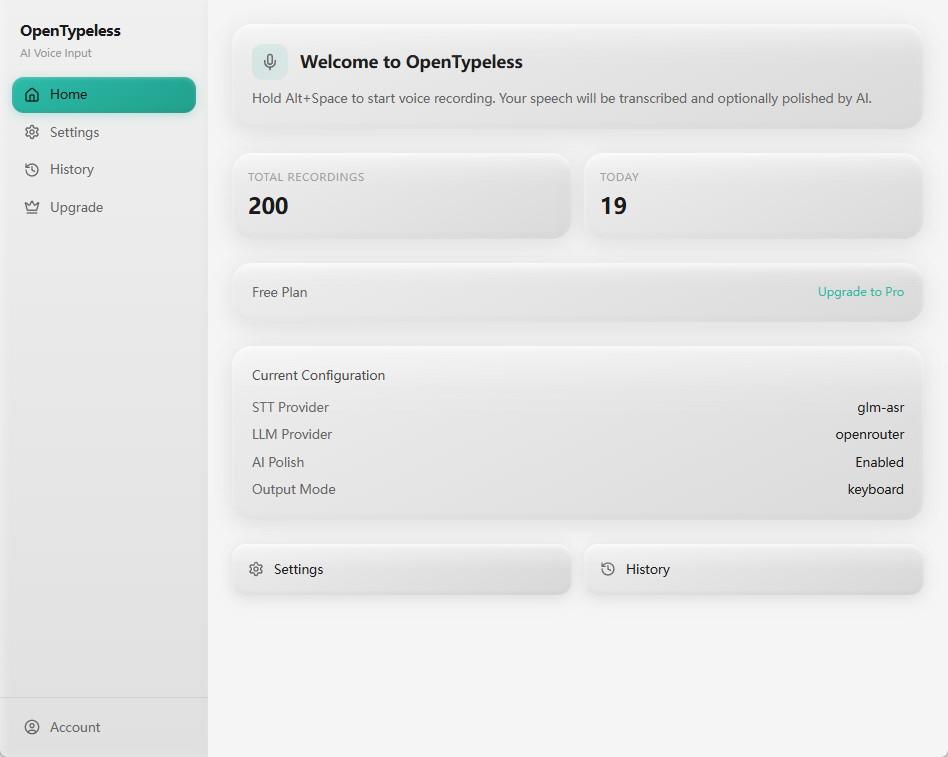
Most Deepgram vs Whisper comparisons stop at transcription. OpenTypeless adds the missing desktop layer: a global hotkey, output into any app, a custom dictionary, and optional LLM polishing after transcription.
That means the decision is not permanent. You can start with Deepgram for speed, switch to Whisper for privacy, and keep the same voice input workflow.
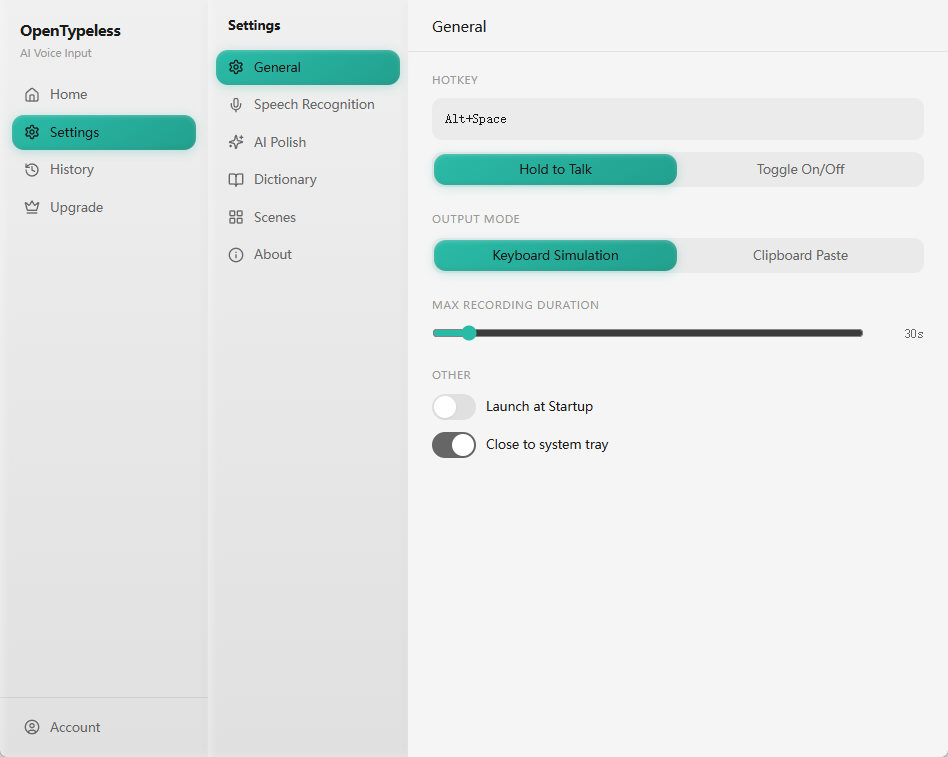
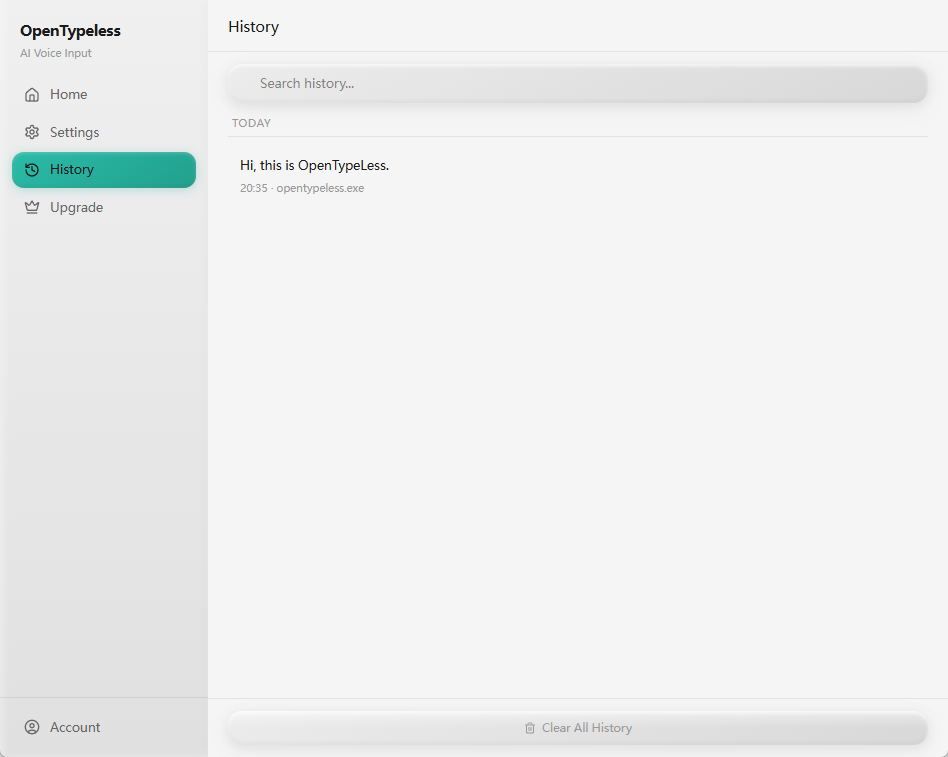
Product UI behind the workflow
A quick look at dictation, provider setup, history, and the Ask Anything voice flow.
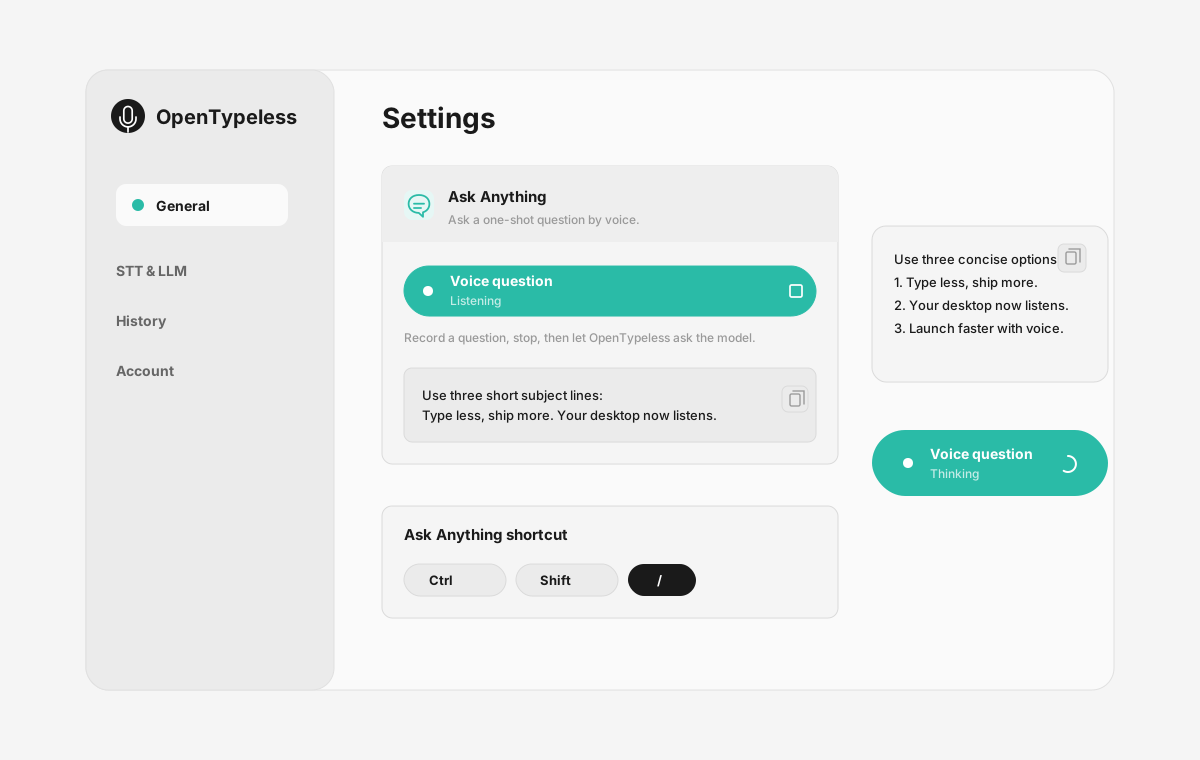
Deepgram vs Whisper at a glance
The best choice depends on whether you optimize for responsiveness, privacy, cost, or model control.
| Decision point | Deepgram | Whisper | OpenTypeless |
|---|---|---|---|
| Low-latency live dictation | Strong fit for streaming workflows | Depends on host, model, and hardware | Can use Deepgram when latency matters |
| Local/private operation | Hosted API path | Can run locally with compatible tooling | Can connect to local/private providers |
| Desktop app workflow | API only | Model or API only | Hotkey, transcript cleanup, output, history |
| Provider switching | Single provider | Many compatible hosts and local paths | Switch STT and LLM providers in settings |
Try both providers in the same desktop workflow
Use one hotkey-driven app while comparing latency, accuracy, privacy, and cost.
Install OpenTypeless
Download the desktop app for Windows, macOS, or Linux.
Choose an STT path
Start with Deepgram for responsiveness or a Whisper-compatible provider for control.
Choose AI polishing
Use your preferred LLM provider to clean up grammar, punctuation, and formatting.
Test in real apps
Press the hotkey in your editor, browser, email client, or chat app and compare the output.
FAQ
Short answers for the search questions this page targets.
How should I compare Deepgram and Whisper latency?
For live desktop dictation, Deepgram is often the easier low-latency starting point because it is built as a streaming hosted API. Whisper latency depends on the model, hardware, and hosting path.
Is Whisper more private than Deepgram?
Whisper can be more private when it runs locally or through infrastructure you control. Hosted Whisper APIs still send audio to a provider, so privacy depends on the deployment path.
Can OpenTypeless use both Deepgram and Whisper?
Yes. OpenTypeless supports multiple STT providers and Whisper-compatible paths, so you can compare both without changing your desktop voice input habits.
Which provider should I use on Linux?
Linux users should test hosted and local or self-hosted STT routes with the same recordings, then compare errors, end-to-end latency, endpoint requirements, and data handling.
Related pages
Continue the same search journey with deeper guides and comparisons.
Try the desktop voice input workflow
Start with a real daily writing app, then tune providers, prompts, dictionary terms, and local mode as your workflow becomes clearer.