Best Dictation Software for Korean: What to Check Before You Download
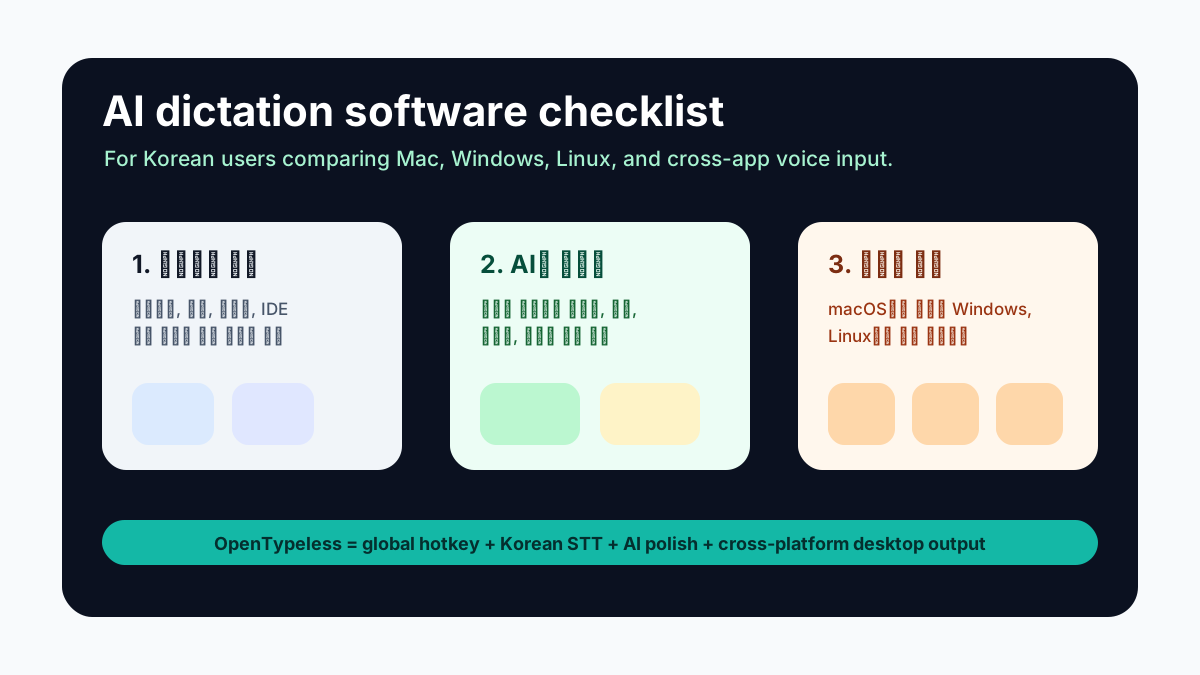
The best dictation software is the one that reduces friction in your real writing workflow. For Korean users, that means more than recognizing speech. It needs to work in the apps you already use, handle Korean-English mixed terms, clean up spoken text, and stay predictable on your operating system.
Start With the Real Use Case
A student writing notes, a developer drafting GitHub issues, a founder replying to customers, and a writer drafting essays all need different behavior. Before comparing tools, decide whether you need file transcription, live dictation, AI polishing, or all three.
- For emails and chat, speed and tone cleanup matter most.
- For documentation and issues, custom dictionary terms matter most.
- For private notes, local processing and provider control matter most.
- For multilingual work, language switching and mixed Korean-English handling matter most.
What Good Korean Dictation Software Should Do
Raw speech recognition is only the first step. A useful dictation app should also understand where the final text goes. A Slack message, a formal email, and a GitHub issue should not have the same style.
- Trigger from a global hotkey.
- Work outside a single editor or browser tab.
- Support Korean and mixed Korean-English text.
- Clean up filler words, punctuation, and formatting.
- Let you choose STT and LLM providers when needed.
- Provide a custom dictionary for recurring terms.
Built-in Dictation vs AI Dictation
Built-in dictation is convenient and often good enough for simple sentences. AI dictation adds a second layer: it can turn rough speech into a finished paragraph. That is the difference between “the computer heard me” and “the result is ready to send after a quick review.”
How OpenTypeless Approaches the Problem
OpenTypeless treats dictation as a desktop workflow: hotkey, speech-to-text, AI polish, and insertion into the current app. It is free and open source, runs on Windows, macOS, and Linux, and supports provider choice so users can balance speed, cost, privacy, and language quality.
Mac, Windows, and Linux Differences
Platform support matters because dictation depends on permissions, shortcuts, clipboard behavior, and text insertion. macOS users may compare against Apple Dictation or SuperWhisper. Windows users may compare against Windows Voice Typing. Linux users need to think about Wayland, X11, and microphone behavior. A cross-platform tool has to make these differences testable.
- On macOS, check microphone and accessibility permissions.
- On Windows, test global hotkey and text insertion in your actual apps.
- On Linux, test Wayland or X11 behavior before assuming a provider issue.
- On all platforms, test one short paragraph before tuning prompts.
A Simple Evaluation Checklist
- Can I start dictation without leaving the app I am writing in?
- Does the tool handle Korean punctuation and spacing well enough after AI polishing?
- Can I add custom vocabulary for names and technical terms?
- Can I choose a faster provider or a more private provider?
- Does the final text require less cleanup than typing from scratch?