Korean Voice to Text: File Transcription vs Live Desktop Dictation
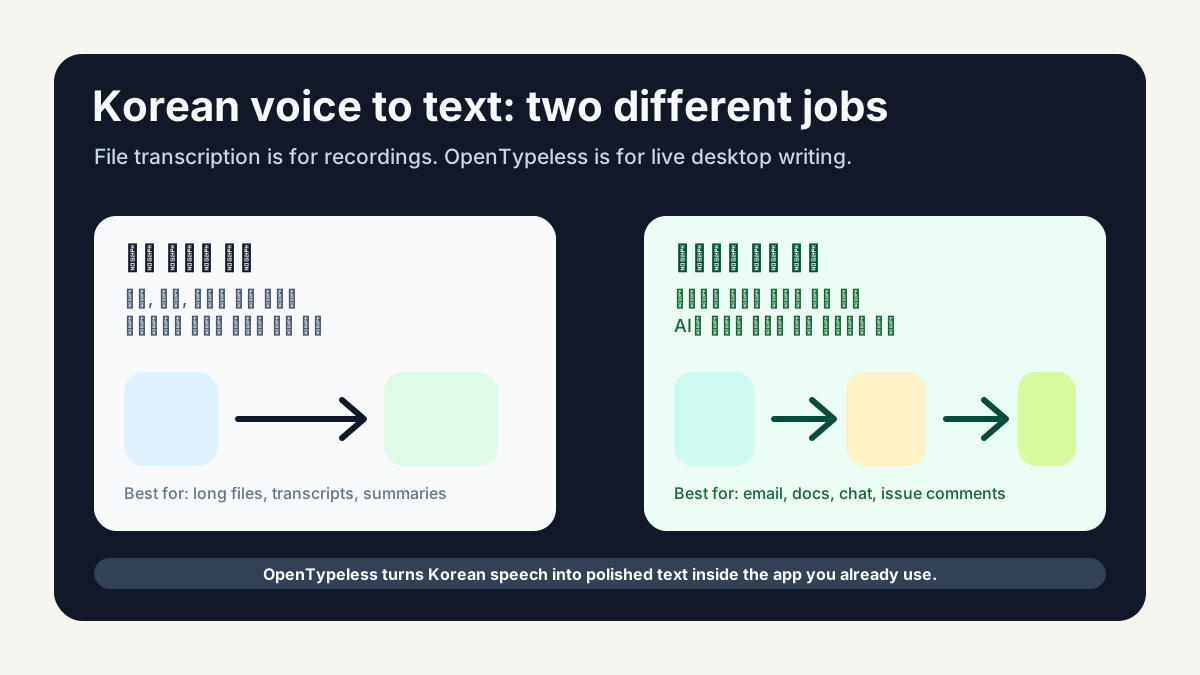
When people search for Korean voice to text, they may mean two very different workflows. One person wants to upload a meeting recording and receive a transcript. Another wants to press a hotkey, speak a message in Korean, and have polished text appear inside Gmail, Slack, Notion, GitHub, or a support tool. The first workflow is file transcription. The second is live desktop dictation.
The Two Jobs Behind “Voice to Text”
File transcription tools are optimized for existing audio files: lectures, interviews, meetings, and recorded calls. Live dictation tools are optimized for writing in the moment. They must handle microphone capture, a global shortcut, speech-to-text, optional AI cleanup, and insertion into the active app.
- Use file transcription when you already have a recording and need a transcript.
- Use desktop dictation when you want to write faster in the app you are already using.
- Use AI polishing when raw speech needs punctuation, structure, tone cleanup, or translation.
- Use a local or BYOK workflow when privacy and provider control matter.
Why Korean Users Need More Than a Basic Converter
Korean speech can include particles, spacing decisions, mixed English product names, technical acronyms, and tone changes between casual chat and work writing. A basic converter may produce readable text, but daily work usually needs more: punctuation, paragraphing, and the right level of formality.
Where OpenTypeless Fits
OpenTypeless is designed for live desktop writing. You press a hotkey, speak naturally, choose a speech-to-text provider, optionally polish the text with an LLM, and insert the result where your cursor already is. It is not trying to replace every long-form transcription tool; it is trying to make everyday writing faster.
A Practical Korean Workflow
- Set Korean as the preferred language or use auto-detect if you switch languages.
- Record one short paragraph instead of isolated fragments.
- Let AI polishing remove filler words and fix punctuation.
- Add custom dictionary terms for names, APIs, product names, and Korean-English mixed terms.
- Review the final text before sending anything important.
Provider Choice Matters
Different STT providers can behave differently for Korean, English, and mixed-language speech. Whisper-style providers often give broad language coverage. Deepgram may be attractive for low-latency use cases. Local options may be better when audio should stay on your own machine. OpenTypeless keeps these choices open instead of locking the workflow to a single provider.
What to Test Before You Commit
- One casual Korean message.
- One professional Korean email paragraph.
- One mixed Korean-English technical paragraph.
- One paragraph with names and product terms.
- One destination app you actually use every day.