Local Whisper-Compatible Voice Input: Configuration Guide
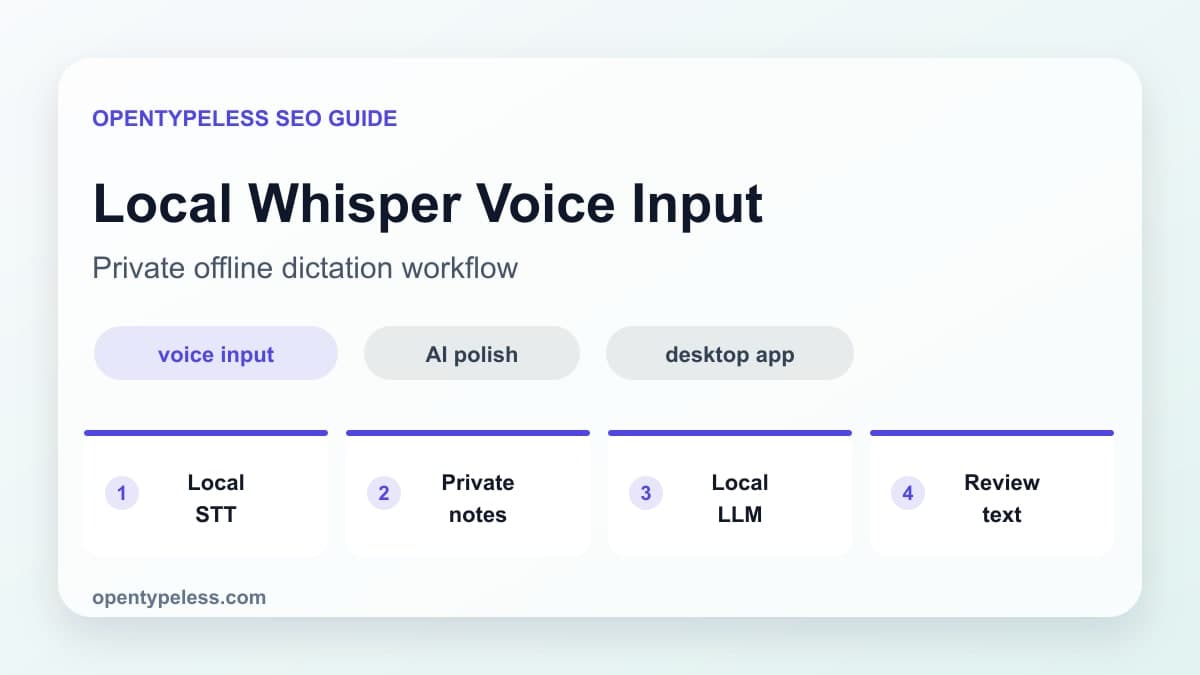
Local Whisper voice input is for people who want dictation without sending audio to a cloud STT API. OpenTypeless supports local-first workflows so you can keep sensitive speech on your machine, then choose whether polishing also stays local or uses a provider you control.
Why Use Local Speech-to-Text
Hosted STT is often simpler to configure, while a local or self-hosted route gives you control over the endpoint. For sensitive material, inspect the selected host, model dependencies, logs, retention, and actual network traffic before choosing.
- Audio can stay on your own computer.
- You reduce dependency on provider availability and pricing changes.
- You can use the same workflow without sending every recording to a cloud API.
- You may trade speed or accuracy depending on hardware and model size.
- You still need to review final text before using it professionally.
The Real Tradeoff
A local route is not automatically the right route for every user. Speed and setup depend on hardware, model, host, and endpoint configuration, so compare the complete workflow against a hosted route with the same recordings.
- Use cloud STT for low-risk, high-volume daily messages.
- Use local STT for sensitive drafts and private notes.
- Use BYOK when you trust a provider but want account-level control.
- Use different modes for different writing contexts.
Pair Local STT with Polishing
A local transcript can still be rough. To keep the entire workflow local, pair local Whisper-style transcription with a local LLM for polishing. If the text is less sensitive than the audio, you can also use a cloud LLM for cleanup while keeping raw audio local.
- Keep both STT and LLM local for the strictest privacy workflow.
- Use local STT plus cloud polishing when audio privacy matters most.
- Add dictionary terms to protect names, acronyms, and product words.
- Save a separate prompt for private notes so the tone stays simple.