Voice Dictation for GitHub Issues and Pull Request Reviews
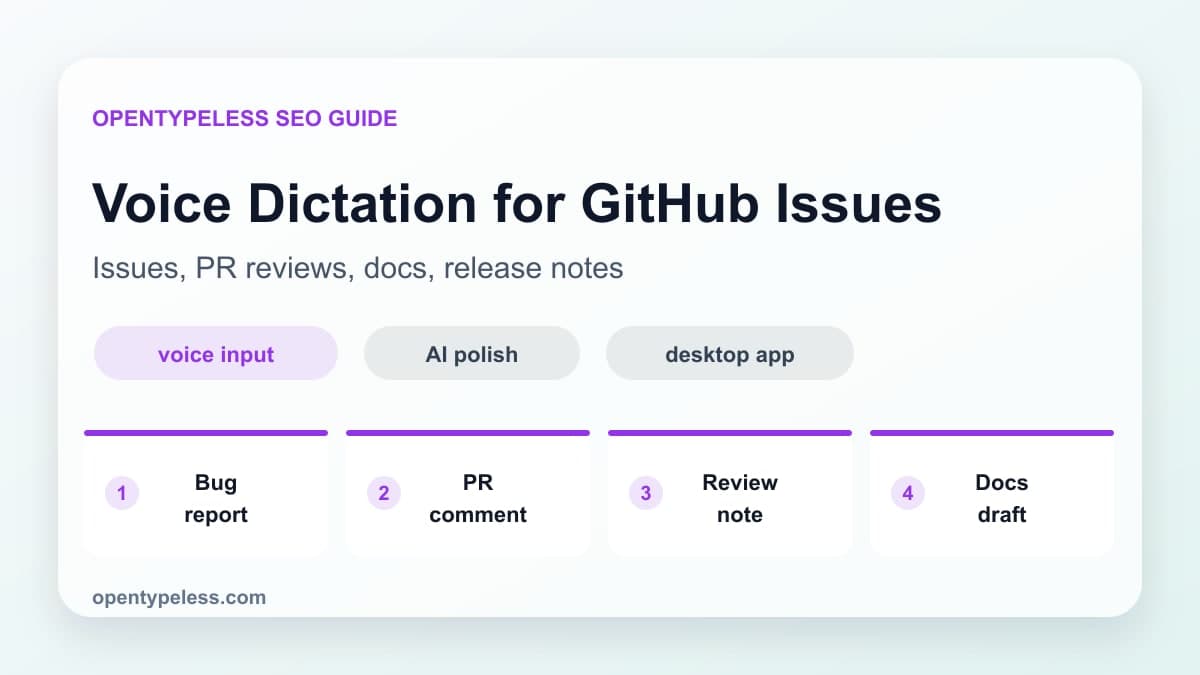
Developers write more prose than they admit: issue descriptions, review comments, release notes, pull request summaries, incident notes, and documentation. Voice dictation helps when you know what you want to say but do not want to slowly type the first draft.
Where Voice Helps Developers
Voice input is not a good replacement for precise code editing. It is excellent for surrounding communication. Use it when the content is explanatory, conversational, or structured around a decision. Let the keyboard handle syntax and let voice handle paragraphs.
- Bug reports with reproduction steps
- Pull request summaries and reviewer context
- Code review comments that explain tradeoffs
- Commit message drafts and changelog notes
- Architecture notes and internal documentation
A Practical Prompt
Set your OpenTypeless polish prompt to preserve technical terms, keep code-like words unchanged, and format the output as concise engineering writing. The goal is not to make you sound corporate; it is to remove filler words while keeping your technical intent intact.
- Preserve API names, package names, and error messages.
- Keep comments concise and specific.
- Use bullet points when the spoken text contains steps.
- Do not invent details that were not spoken.
Dictionary Terms Matter
A developer dictionary is one of the highest-leverage OpenTypeless settings. Add project names, framework names, database names, product terms, and common acronyms. The more specific your vocabulary, the less cleanup you need after dictation.
- React, Next.js, Tauri, Rust, TypeScript
- PostgreSQL, Supabase, Redis, SQLite
- Provider names like Deepgram, Groq, OpenRouter, and Ollama
- Internal feature names and customer-facing product terms
- Acronyms your team uses every day