Groq Whisper Setup for Fast Voice Input in OpenTypeless
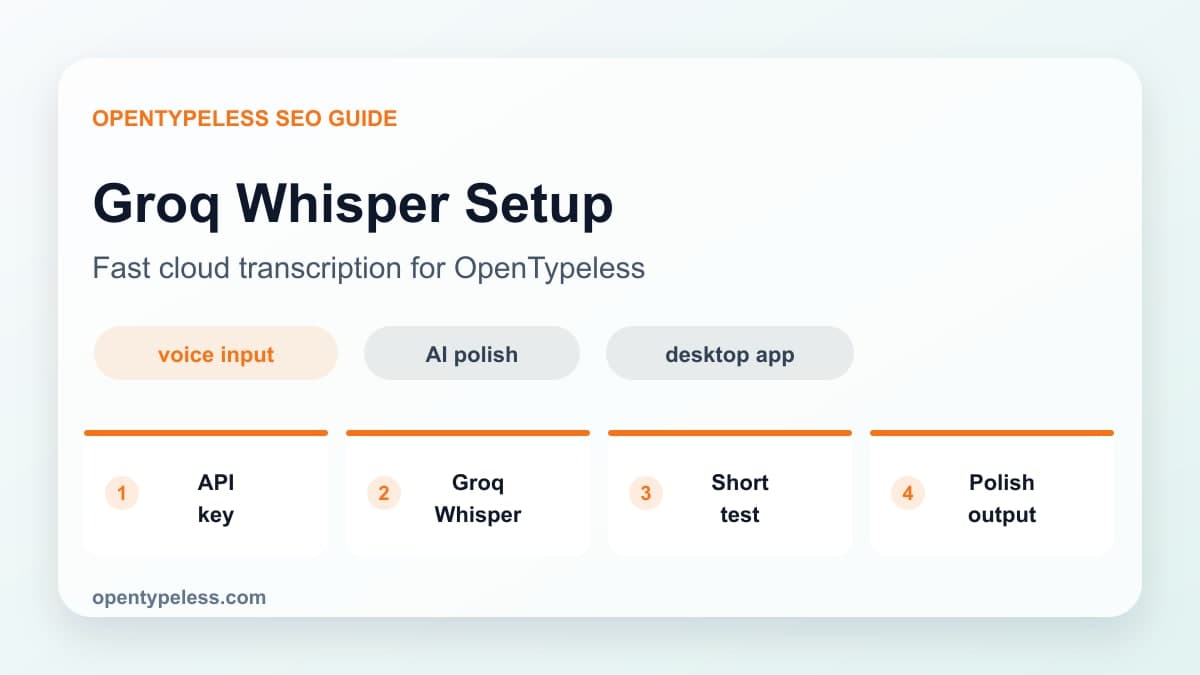
Configure the selected Groq Whisper model, run a non-sensitive reference recording, and capture transcript errors and full-route response time. Confirm current model, data, and billing documents before regular use.
How to evaluate Groq Whisper
Choose Groq when you want a quick setup, fast response, and broad Whisper language behavior. It is especially useful for users who want to feel the product quickly before comparing Deepgram, OpenAI Whisper, local Whisper, or other providers.
- You want fast transcription for everyday dictation.
- You speak multiple languages or switch languages often.
- You prefer cloud speed over local model setup.
- You want a simple provider to test OpenTypeless quickly.
- You are comfortable bringing your own provider key.
Setup Checklist
Create or open your Groq account, generate an API key, and paste it into the OpenTypeless STT provider settings. Then record a short paragraph in a quiet environment before tuning anything else. The first goal is to verify the audio-to-text loop.
- Add the Groq API key in OpenTypeless settings.
- Choose the Groq Whisper provider option.
- Record a 10-15 second test paragraph.
- Check whether names and technical terms need dictionary entries.
- Enable AI polishing only after raw transcription is working.
Improve Output Quality
Provider speed is only half the experience. The final text quality depends on microphone input, speaking style, dictionary terms, and the polishing prompt. Speak in complete thoughts, avoid switching topics mid-sentence, and add domain terms that the model often mishears.
- Use a headset or quiet microphone when possible.
- Add proper nouns and API names to the custom dictionary.
- Use a concise polish prompt for technical writing.
- Compare Groq with Deepgram or local Whisper if accuracy matters more than speed.