Deepgram Voice Input Setup: Low-Latency Dictation in OpenTypeless
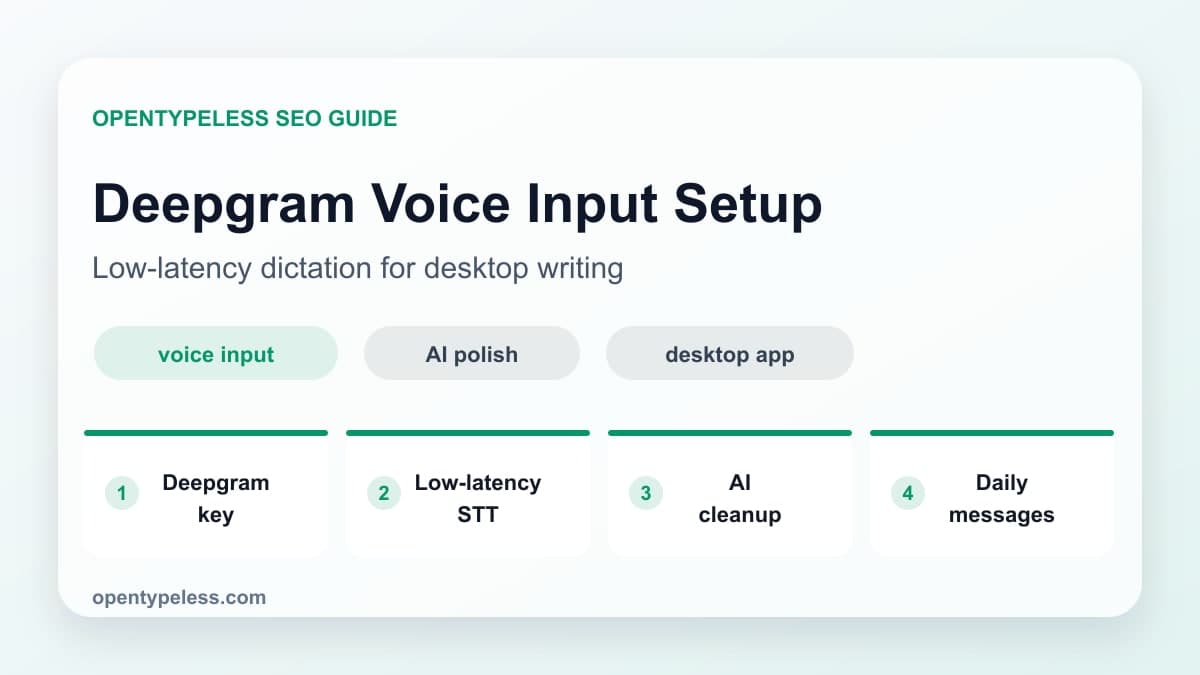
Deepgram is a strong OpenTypeless provider choice when latency and English dictation quality matter. It is especially useful for users who dictate many short messages per day and want the voice input loop to feel immediate.
Why Pick Deepgram
Different STT providers have different strengths. Whisper-style providers are broad and familiar, while Deepgram is often chosen for speed, streaming-oriented speech recognition, and production speech use cases. In OpenTypeless, that can translate into a smoother daily dictation workflow.
- You dictate many short messages and want quick turnaround.
- Your main language is English or another language Deepgram handles well.
- You want cloud STT without running local models.
- You prefer a hosted route and will verify its current data handling, region, and network behavior.
- You want to compare providers inside the same desktop workflow.
Setup Checklist
Create a Deepgram API key, add it in OpenTypeless settings, select Deepgram as the STT provider, and test with a normal paragraph. Keep the first test simple: one microphone, one provider, one destination app.
- Generate a Deepgram API key from your provider account.
- Paste the key into the OpenTypeless STT provider settings.
- Record a short test and check raw transcription quality.
- Turn on AI polishing after the STT output looks stable.
- Add common misheard words to the custom dictionary.
Make It Feel Better
Low latency is valuable only if the final text is usable. Use Deepgram for the fast transcript, then let OpenTypeless polish punctuation, remove filler words, and match the tone of the destination app.
- Use a short professional prompt for work messages.
- Use a technical prompt for code review and issue comments.
- Keep custom dictionary entries focused on recurring terms.
- Compare cost and speed against Groq or local Whisper after a week.