Typeless Download Guide: Get OpenTypeless Safely on Desktop
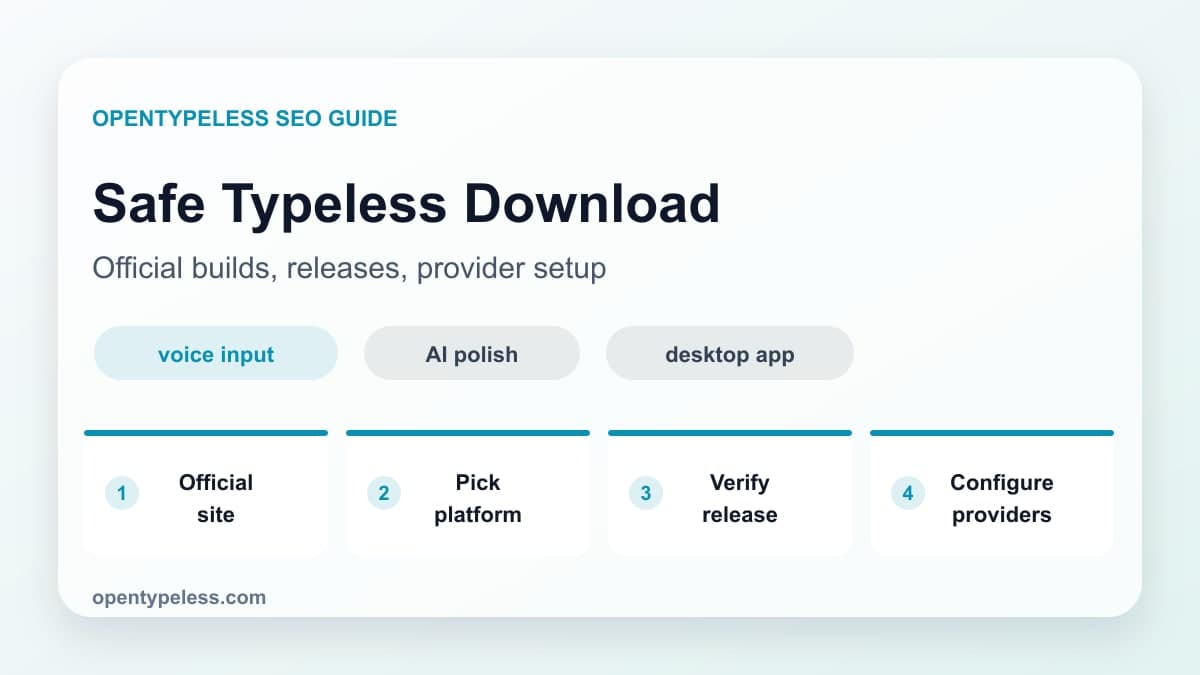
Searching for a Typeless download usually means you are ready to try AI voice input, but you do not want to install the wrong app or use an outdated mirror. This guide explains where to get OpenTypeless safely, what to check before launching it, and what to configure after the first run.
Use the Official Download Page
Start with opentypeless.com/download. That page points you to the current desktop builds and avoids the common risk of old packages, repackaged installers, or pages that copy the name without maintaining the project. If you want to inspect the code, use the GitHub repository linked from the site.
- Windows users should choose the Windows build for their current desktop.
- macOS users should follow the macOS build and permission prompts.
- Linux users should choose the package or release artifact that fits their distribution.
- Avoid installers from download portals that are not linked by the project.
- Keep a note of your STT and LLM provider keys before setup.
What to Configure First
After installation, do not tune every option at once. Make the core loop work first: microphone capture, STT provider, AI polishing provider, global hotkey, and text insertion. Once those work, add dictionary terms and specialized prompts.
- Confirm the correct microphone is selected.
- Choose one STT provider and test a short paragraph.
- Enable AI polishing with a simple cleanup prompt.
- Set a global hotkey that does not conflict with your operating system.
- Test the output in the real apps where you write every day.
When to Use BYOK, Cloud, or Local
OpenTypeless supports BYOK, managed, and local-route configurations. For each option, inspect the configured STT and LLM endpoints, provider terms, dependencies, and actual network traffic before using sensitive material.
- Choose BYOK for maximum provider control.
- Choose TalkMore cloud when you want fewer moving parts.
- Choose local mode for sensitive notes and privacy-heavy workflows.
- Switch later if your cost, speed, or privacy needs change.