Typeless Download Alternative
Looking for a Typeless-style voice typing app with open-source code, supported desktop builds, and GitHub releases? Download OpenTypeless instead.
If you want the official Typeless app, use the official Typeless website. If you want a free open-source alternative with Windows, macOS, Linux, GitHub source code, BYOK providers, and AI text polishing, download OpenTypeless from the OpenTypeless download page or GitHub releases.
OpenTypeless is not affiliated with Typeless. This page does not provide the official Typeless download; it provides a clear OpenTypeless download alternative.
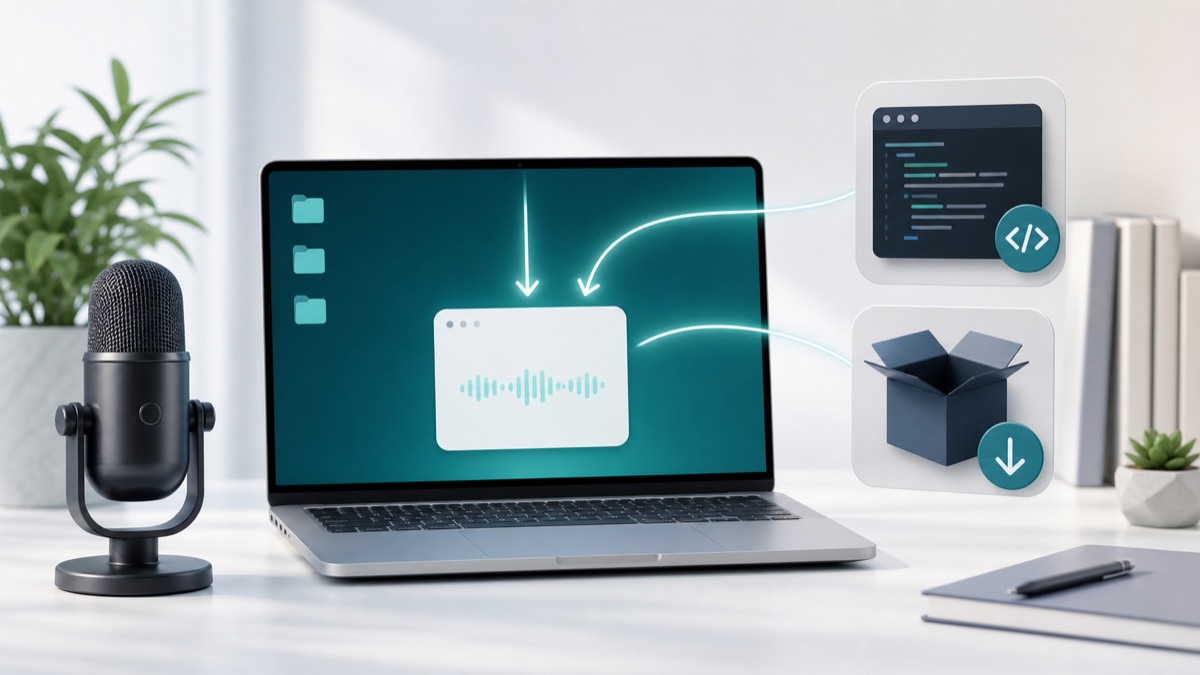
Choose by the job you need done
If you want the official Typeless app, use the official Typeless website. If you want a free open-source alternative with Windows, macOS, Linux, GitHub source code, BYOK providers, and AI text polishing, download OpenTypeless from the OpenTypeless download page or GitHub releases.
Use the official Typeless site for Typeless
If your goal is the commercial Typeless product specifically, the official vendor site is the right destination.
Use OpenTypeless for open source
OpenTypeless publishes source code and desktop releases so you can inspect the project and install a cross-platform alternative.
Use OpenTypeless for BYOK
Bring your own STT and LLM provider keys, or configure local/private provider paths where available.
Real OpenTypeless workflow
Generated visuals can explain an idea, but product proof should stay close to the app UI.
What to download
OpenTypeless provides desktop builds for Windows, macOS, and Linux. Start on the download page, then choose the package for your operating system.
Developers and security-conscious users can inspect the source repository and release assets on GitHub.
Why choose an alternative download
Users searching for Typeless download often want voice input, AI cleanup, and a convenient desktop workflow. OpenTypeless provides those jobs with an open-source, cross-platform approach.
The page intentionally avoids pretending to be Typeless. It is a download path for OpenTypeless only.
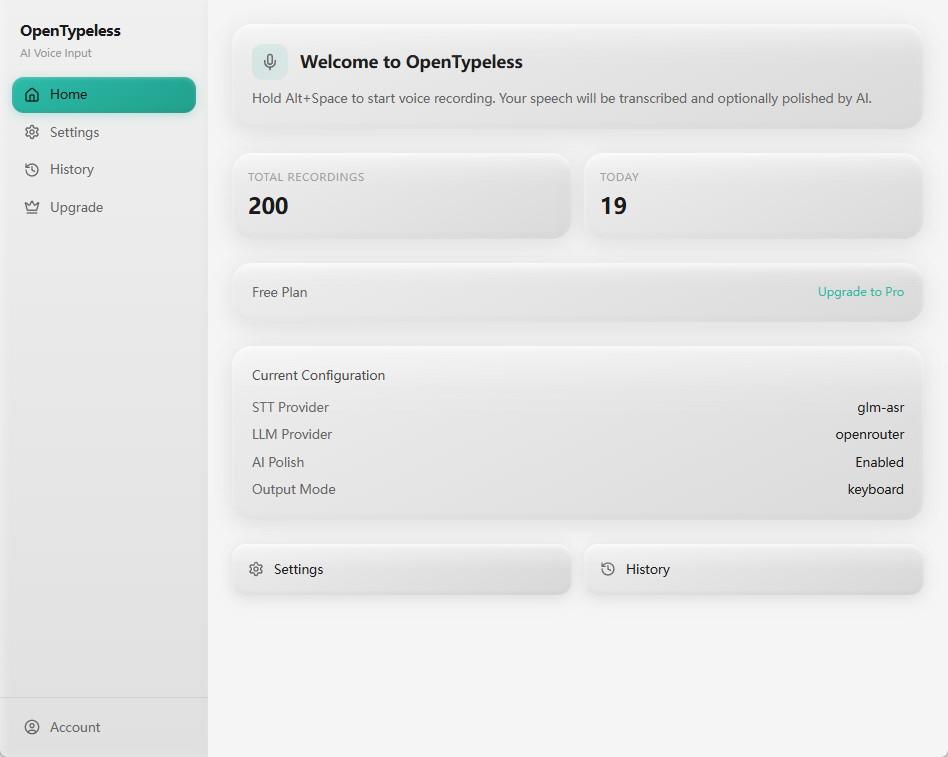
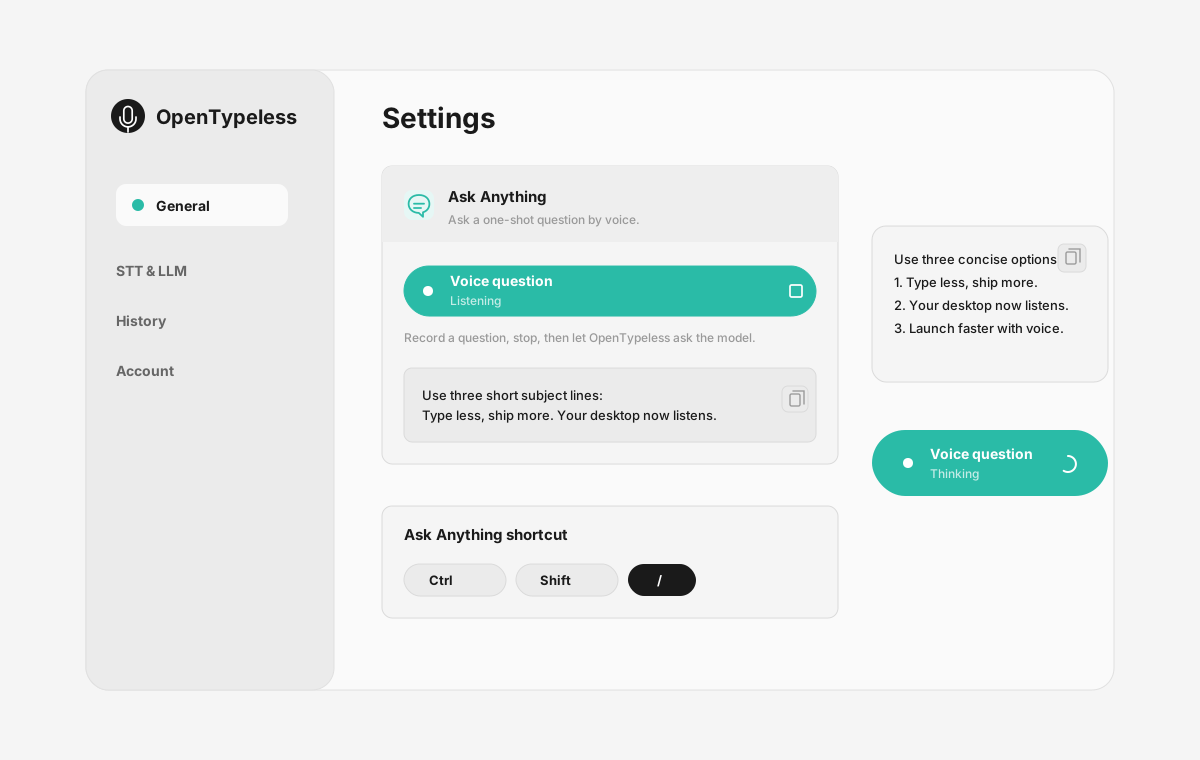
Product UI behind the workflow
A quick look at dictation, provider setup, history, and the Ask Anything voice flow.
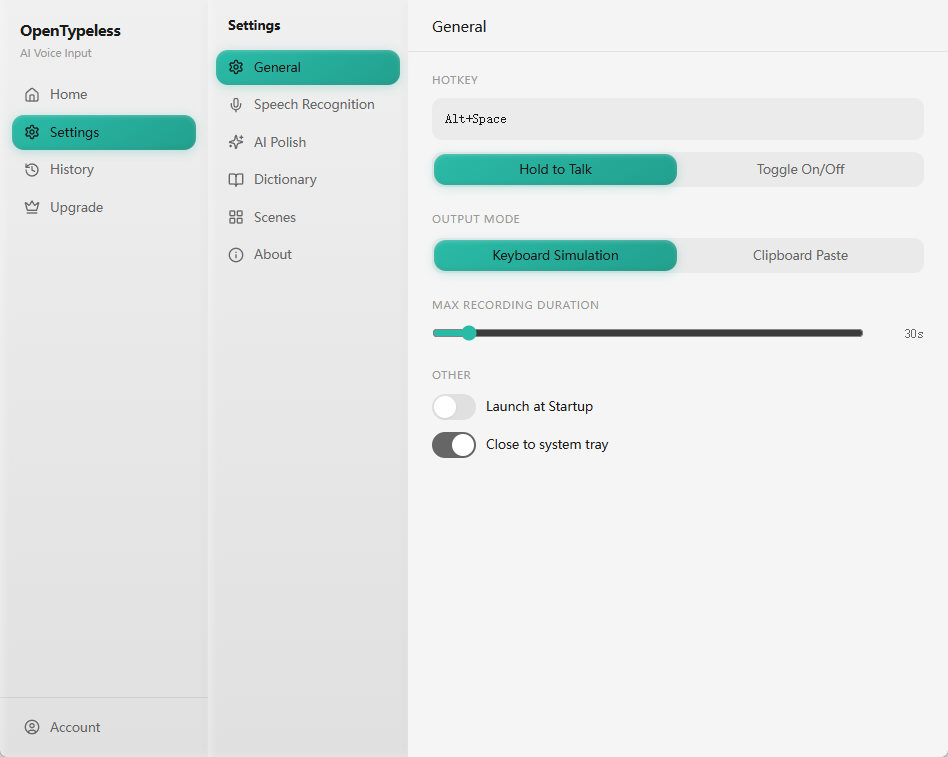
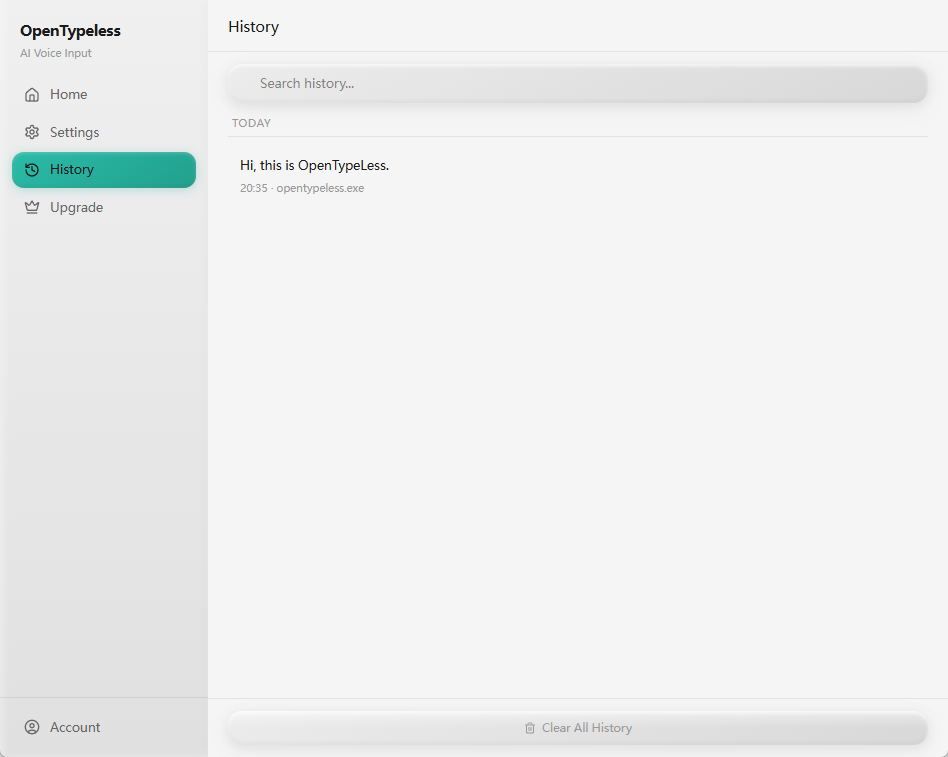
Official Typeless vs OpenTypeless download
Choose the path that matches what you actually want to install.
| Decision point | Official Typeless | OpenTypeless |
|---|---|---|
| Correct destination | Typeless official website | OpenTypeless download page and GitHub |
| Source code | Check vendor policy | Open-source repository available |
| Platforms | Check official support | Windows, macOS, Linux |
| Provider choice | Product-managed path | Bring your own STT and LLM providers |
Download OpenTypeless safely
Use official OpenTypeless surfaces and avoid confusing third-party mirrors.
Open the download page
Choose the current OpenTypeless build for your operating system.
Check GitHub if needed
Use the GitHub repository for source code and release context.
Install and launch
Open the app and choose your STT and LLM providers.
Run a quick test
Use the hotkey in a text field and confirm transcription, polishing, and insertion.
FAQ
Short answers for the search questions this page targets.
Is this the official Typeless download?
No. This is an OpenTypeless page. If you want the official Typeless app, use Typeless official website.
Where can I download OpenTypeless?
Use the OpenTypeless download page for desktop builds and the GitHub repository for source code and release context.
Is OpenTypeless on GitHub?
Yes. OpenTypeless has a public GitHub repository where users can inspect source code and releases.
Which operating systems does OpenTypeless support?
OpenTypeless is designed for Windows, macOS, and Linux desktop workflows.
Is OpenTypeless free?
The desktop app is free and open source. Provider costs depend on your STT and LLM configuration.
Related pages
Continue the same search journey with deeper guides and comparisons.
Try the desktop voice input workflow
Start with a real daily writing app, then tune providers, prompts, dictionary terms, and local mode as your workflow becomes clearer.