Typeless GitHub and Open Source Alternative
A clear answer for users searching Typeless GitHub, Typeless open source, or an inspectable voice typing workflow they can run on desktop.
Typeless and OpenTypeless are different projects. If you want the official Typeless product, use the official Typeless website. If you want an open-source Typeless-style desktop voice typing workflow, OpenTypeless publishes source code, documents its desktop baseline, and lets you bring your own STT and LLM providers.
OpenTypeless is not affiliated with Typeless. This page helps users distinguish the official Typeless product from the open-source OpenTypeless project.
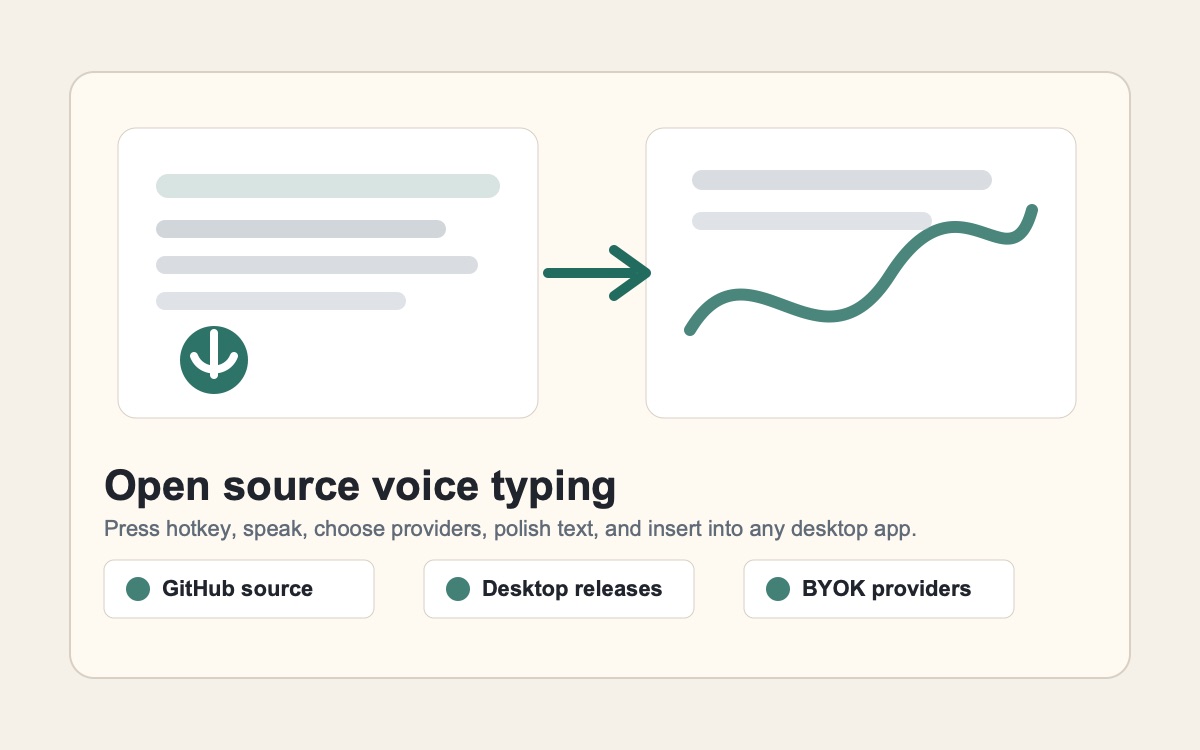
Choose by the job you need done
Typeless and OpenTypeless are different projects. If you want the official Typeless product, use the official Typeless website. If you want an open-source Typeless-style desktop voice typing workflow, OpenTypeless publishes source code, documents its desktop baseline, and lets you bring your own STT and LLM providers.
Use official Typeless if you want Typeless
A search for Typeless GitHub may still mean you want the original commercial product, so official vendor channels are the right source.
Use OpenTypeless if source access matters
OpenTypeless gives developers and security-conscious users a public repository, release context, and inspectable desktop code.
Use OpenTypeless for provider control
The open-source workflow pairs source access with BYOK STT and LLM choices, local/private paths, and cross-platform builds.
Real OpenTypeless workflow
Generated visuals can explain an idea, but product proof should stay close to the app UI.
What users mean by Typeless GitHub
Some users want an official repository, some want source code they can inspect, and others want a downloadable open-source app that behaves like an AI voice typing tool.
OpenTypeless answers the open-source version of that intent. It does not claim to be Typeless; it offers a separate open-source desktop voice input workflow.
Why open source changes the decision
With OpenTypeless, you can inspect the project, follow release assets, and choose the STT and LLM providers that match your privacy, cost, and latency needs.
That makes the project useful when the buying question is not only "which voice typing app works?" but also "which workflow can I audit and control?"
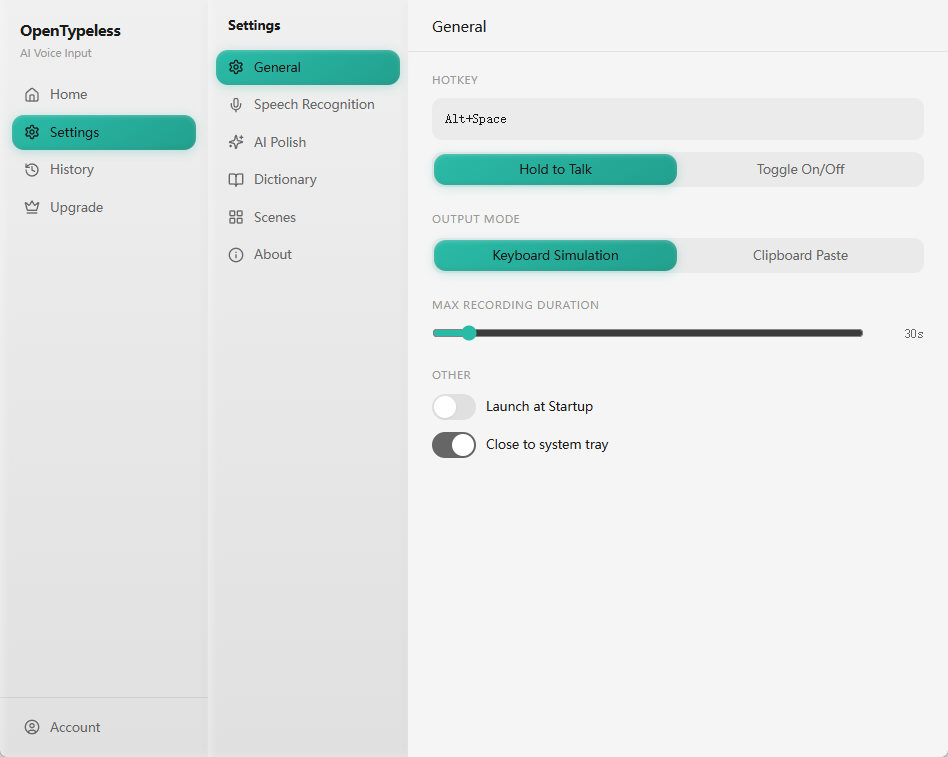
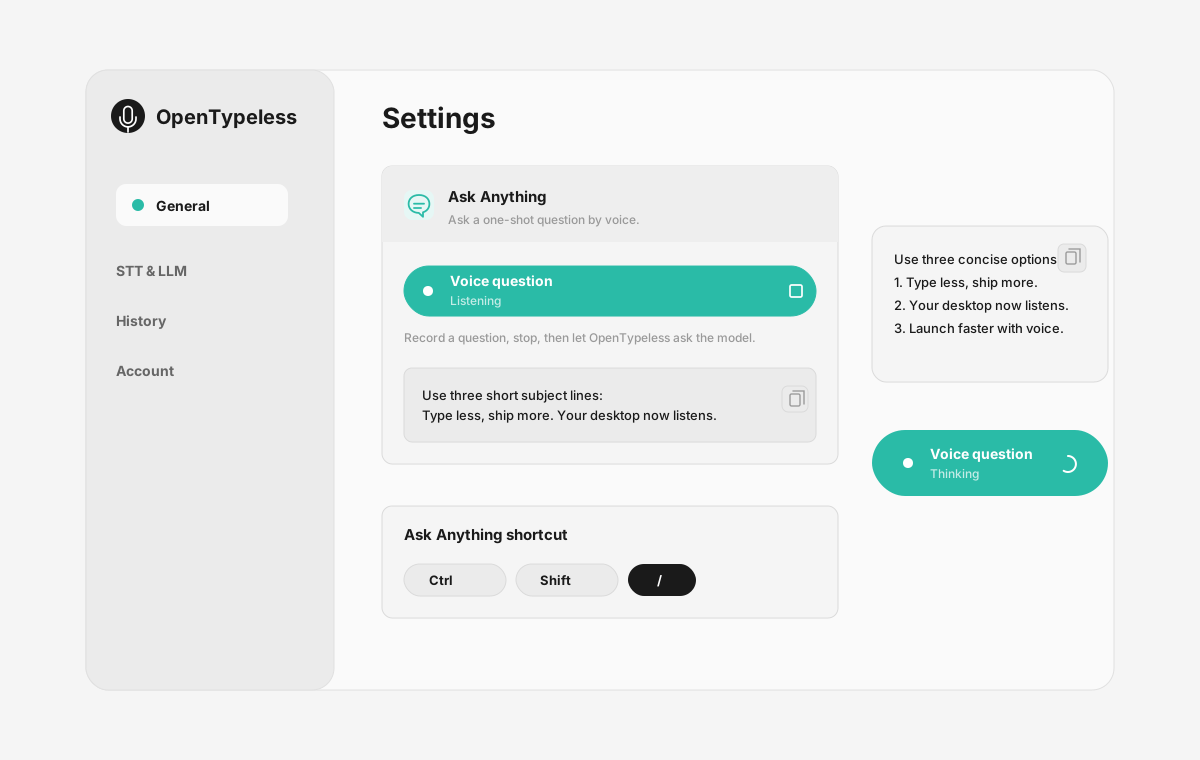
Product UI behind the workflow
A quick look at dictation, provider setup, history, and the Ask Anything voice flow.
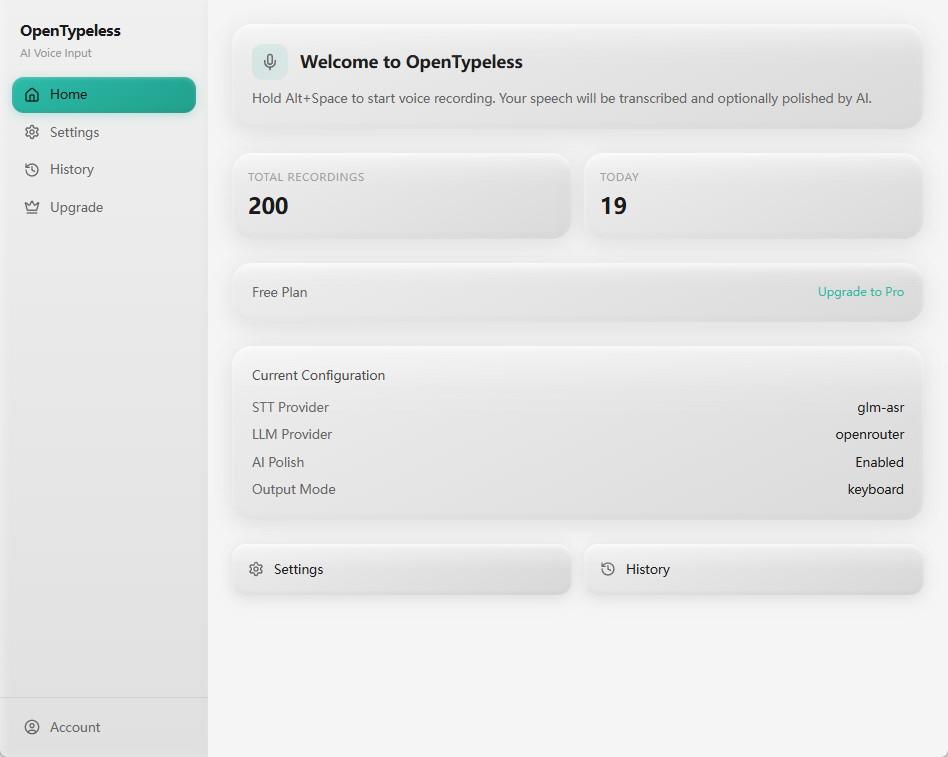
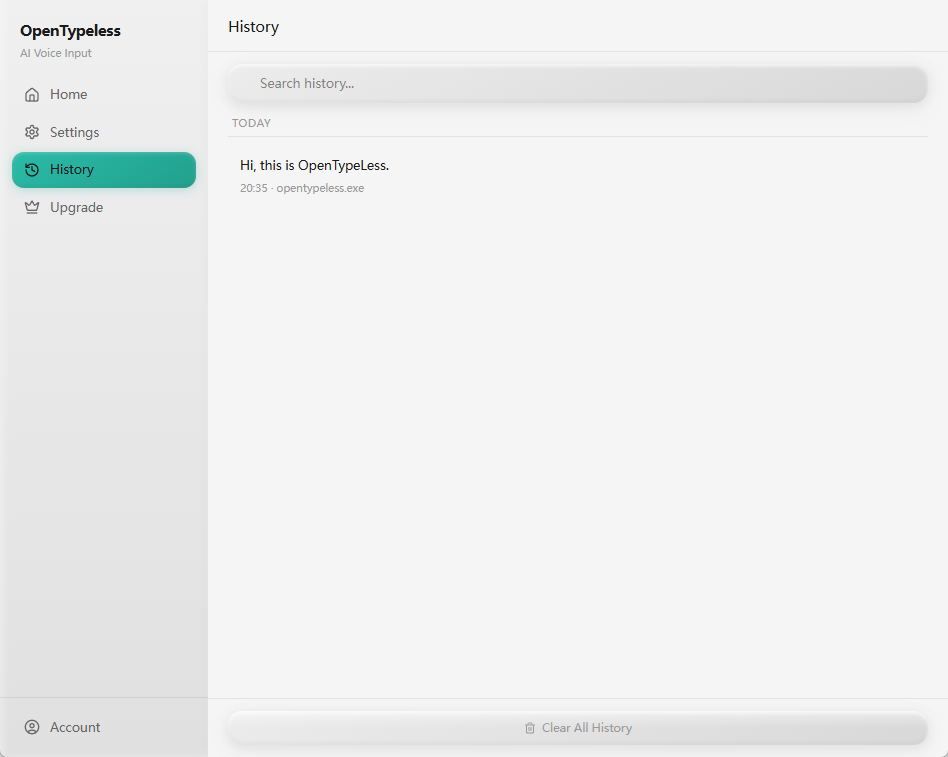
Official Typeless vs OpenTypeless source access
Pick the path that matches whether you want the official product or an open-source alternative.
| Decision point | Official Typeless | OpenTypeless |
|---|---|---|
| Correct destination | Use Typeless official website | Use OpenTypeless GitHub and download pages |
| Source access | Check vendor policy | Public open-source repository |
| Desktop builds | Check official availability | Windows, macOS, Linux workflow |
| Provider control | Product-managed path | BYOK STT and LLM provider configuration |
Inspect and try OpenTypeless
Use the repository for source context and the download page for a practical desktop test.
Open the GitHub repository
Review source code, releases, and project context before installing.
Download the desktop build
Choose the installer for Windows, macOS, or Linux.
Configure providers
Add your preferred STT and LLM providers or local/private paths.
Test the hotkey workflow
Dictate into email, docs, browser fields, chat, and editors to compare cleanup time.
FAQ
Short answers for the search questions this page targets.
Is Typeless on GitHub?
Use Typeless official channels to confirm whether the official Typeless product publishes source code or release assets. OpenTypeless is a separate open-source project with a public GitHub repository.
Is OpenTypeless the same as Typeless?
No. OpenTypeless is an independent open-source project and is not affiliated with Typeless.
Is OpenTypeless open source?
Yes. OpenTypeless publishes source code and desktop releases so users can inspect the project and run a cross-platform voice typing workflow.
Can I build OpenTypeless from source?
Developers can inspect the repository and follow the project build instructions when they want to understand or customize the desktop app.
Where should I download the official Typeless app?
If you specifically want Typeless, use the official Typeless website. If you want an open-source alternative, use OpenTypeless downloads and GitHub releases.
Related pages
Continue the same search journey with deeper guides and comparisons.
Typeless download alternative
Choose the right download path for an open-source Typeless-style workflow.
Typeless for Windows alternative
Use OpenTypeless as a Windows voice typing workflow.
Open-source dictation app
Learn how open source affects privacy, control, and setup.
Download OpenTypeless
Get the desktop build for Windows, macOS, or Linux.
Try the desktop voice input workflow
Start with a real daily writing app, then tune providers, prompts, dictionary terms, and local mode as your workflow becomes clearer.