Typeless for Windows Alternative
If you searched for Typeless on Windows because you want AI voice typing in desktop apps, OpenTypeless gives you a similar hotkey-driven workflow across its supported desktop systems.
OpenTypeless is not Typeless. If you searched for Typeless on Windows because you want AI voice typing in desktop apps, OpenTypeless offers a similar hotkey-driven workflow across its supported desktop systems, with open-source code, BYOK provider choice, AI text polishing, and custom dictionary support.
OpenTypeless is not affiliated with Typeless. Users looking for the official Typeless product should use Typeless own website; this page explains an open-source Windows alternative.
Choose by the job you need done
OpenTypeless is not Typeless. If you searched for Typeless on Windows because you want AI voice typing in desktop apps, OpenTypeless offers a similar hotkey-driven workflow across its supported desktop systems, with open-source code, BYOK provider choice, AI text polishing, and custom dictionary support.
You want a Typeless-like workflow on Windows
OpenTypeless focuses on the practical workflow: press a hotkey, speak, polish text, and insert it into the current app.
You need more provider control
Choose the STT and LLM providers that match your privacy, cost, language, and latency needs.
You want one habit across machines
Use the same voice input pattern on Windows, macOS, and Linux instead of relearning per-platform tools.
Real OpenTypeless workflow
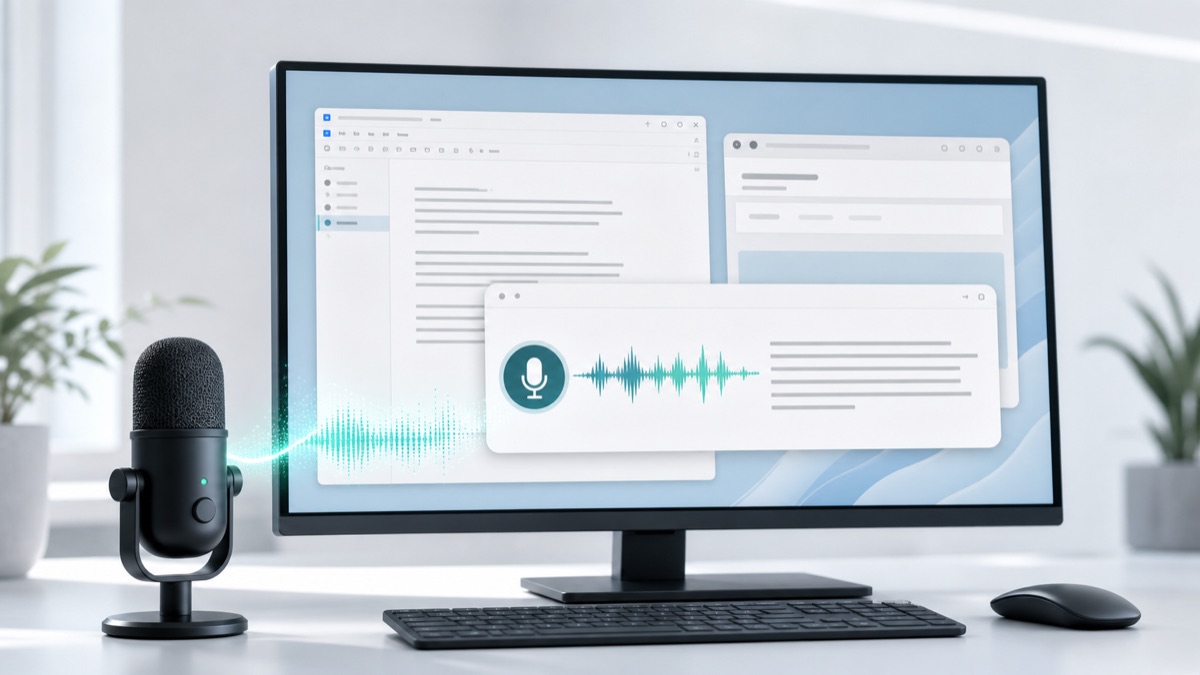
Generated visuals can explain an idea, but product proof should stay close to the app UI.
Why Windows users search for Typeless
The query usually means users want polished AI dictation in any desktop app. They may not care about the exact brand; they care about the workflow.
OpenTypeless answers that workflow directly with a Windows desktop build, a global hotkey, AI text cleanup, and provider choice.
What makes OpenTypeless different
OpenTypeless is open source and cross-platform. It is designed for users who want transparent code, BYOK providers, local options, and a custom dictionary for names or technical terms.
That makes it a practical Typeless alternative for Windows users who want more control over the stack.

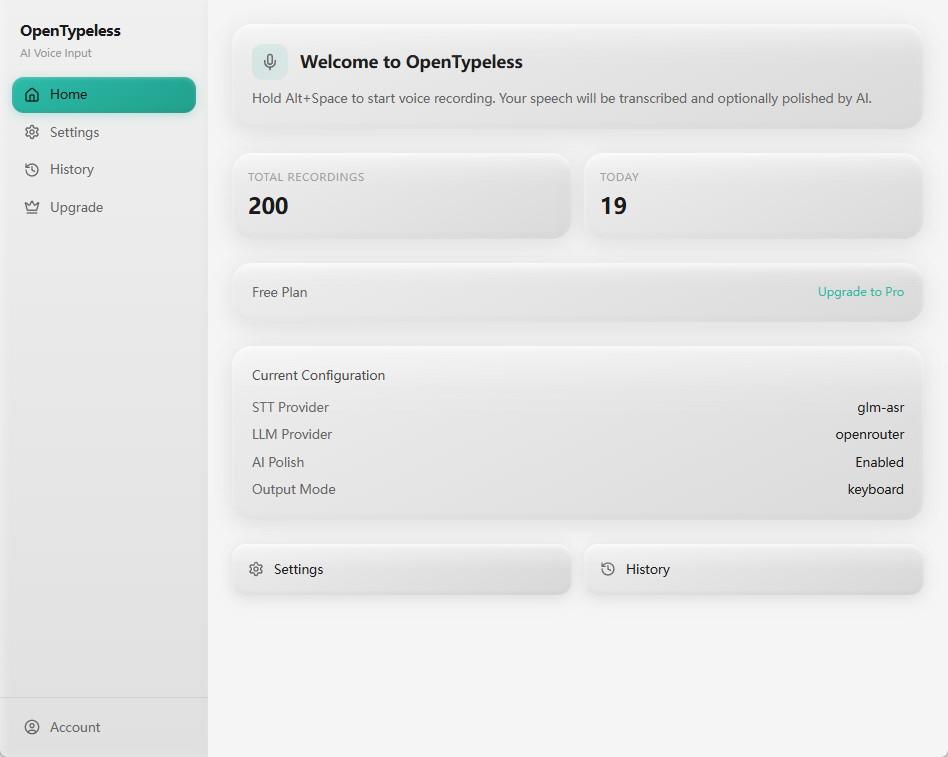
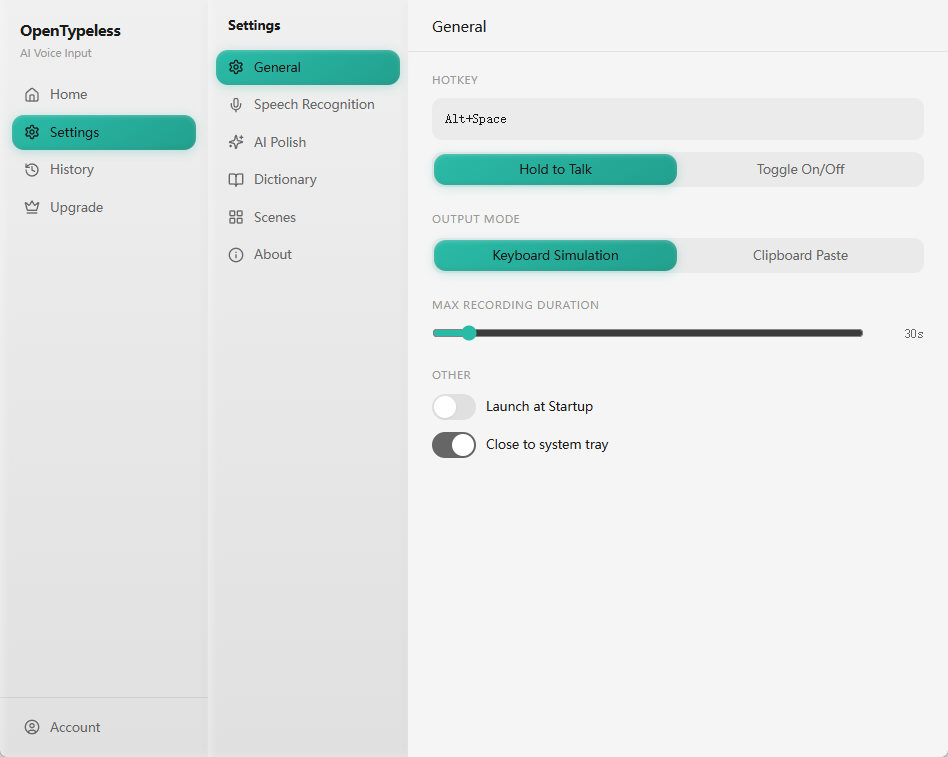
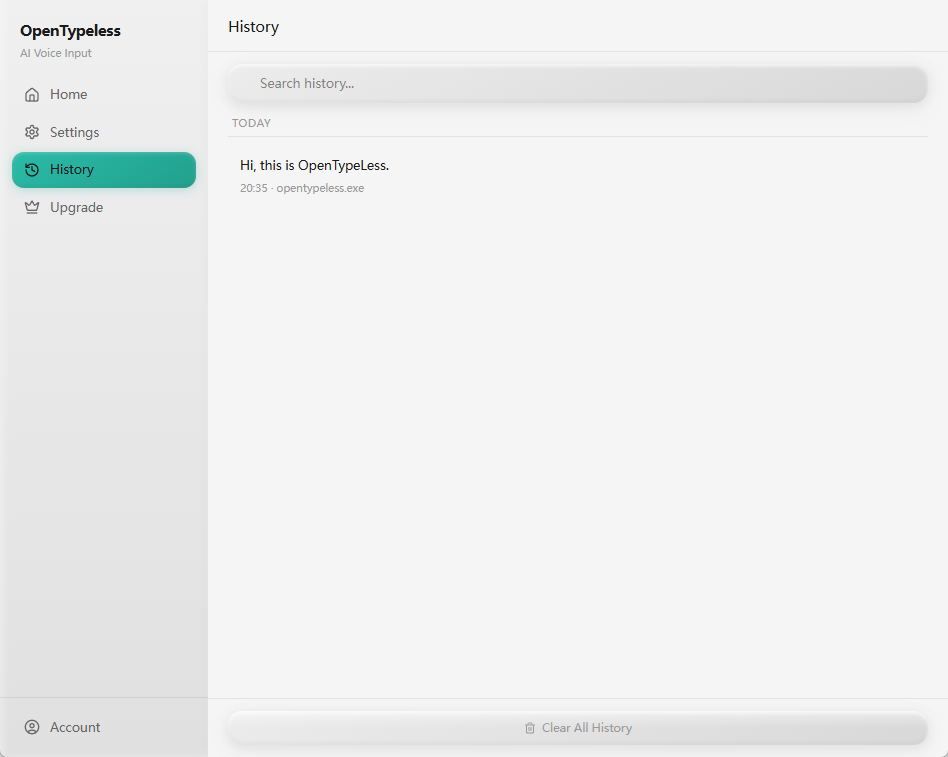
Product UI behind the workflow
A quick look at dictation, provider setup, history, and the Ask Anything voice flow.
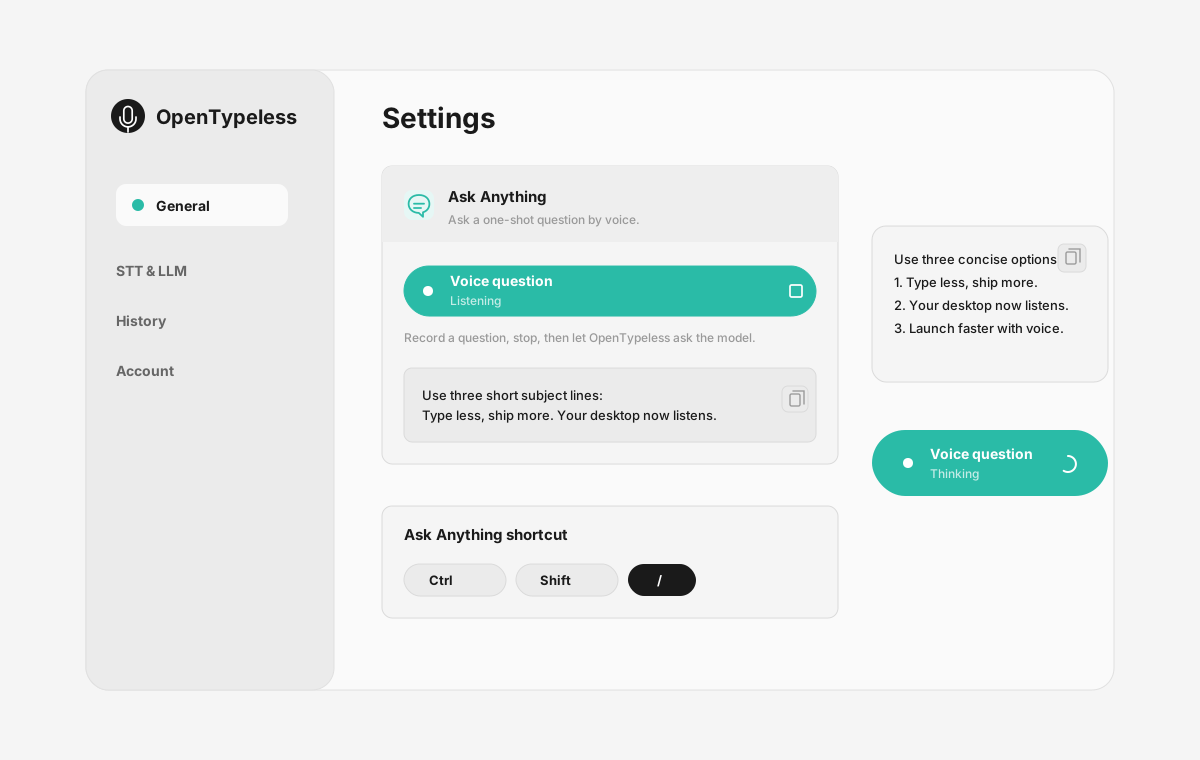
Typeless-style workflow on Windows
Use this table to decide whether OpenTypeless matches the job you searched for.
| Decision point | Typeless | OpenTypeless |
|---|---|---|
| Official product | Use Typeless official site | Independent open-source alternative |
| Windows workflow | Check official platform availability | Windows build available |
| Provider control | Product-managed path | BYOK STT and LLM providers |
| Source access | Closed product | Open source under MIT-style project positioning |
Set up OpenTypeless on Windows
A few minutes gets you from installer to hotkey voice input.
Download the Windows build
Use the OpenTypeless download page and choose the Windows installer.
Launch the desktop app
Open settings and choose your STT and LLM providers.
Add vocabulary
Put names, product terms, acronyms, and technical words into the dictionary.
Use the hotkey anywhere
Try the same shortcut in browsers, docs, email, chat, and code editors.
FAQ
Short answers for the search questions this page targets.
Is Typeless available for Windows?
Check Typeless official website for current platform support. If you need an open-source Windows alternative, OpenTypeless is built for Windows, macOS, and Linux.
Is OpenTypeless the same as Typeless?
No. OpenTypeless is an independent open-source project and is not affiliated with Typeless.
Does OpenTypeless work on Windows 10 and Windows 11?
OpenTypeless provides Windows desktop builds and is designed for a global hotkey voice typing workflow across desktop apps.
Is OpenTypeless free?
Yes. The desktop app is free and open source. Provider costs depend on whether you use your own cloud keys, managed cloud, or local providers.
Related pages
Continue the same search journey with deeper guides and comparisons.
Try the desktop voice input workflow
Start with a real daily writing app, then tune providers, prompts, dictionary terms, and local mode as your workflow becomes clearer.