OpenTypeless on GitHub: What to Check Before You Build or Contribute
If you search for OpenTypeless GitHub, you probably want one of three things: verify that the project is real, understand how the app works, or build and modify it yourself. This guide explains what to look for before you clone the repository or recommend it to a team.
What the Repository Tells You
The GitHub repository is the best place to understand OpenTypeless as a system. The website can explain the product, but the repository shows the implementation: desktop shell, frontend settings, provider adapters, prompt handling, cloud integration points, and local configuration.
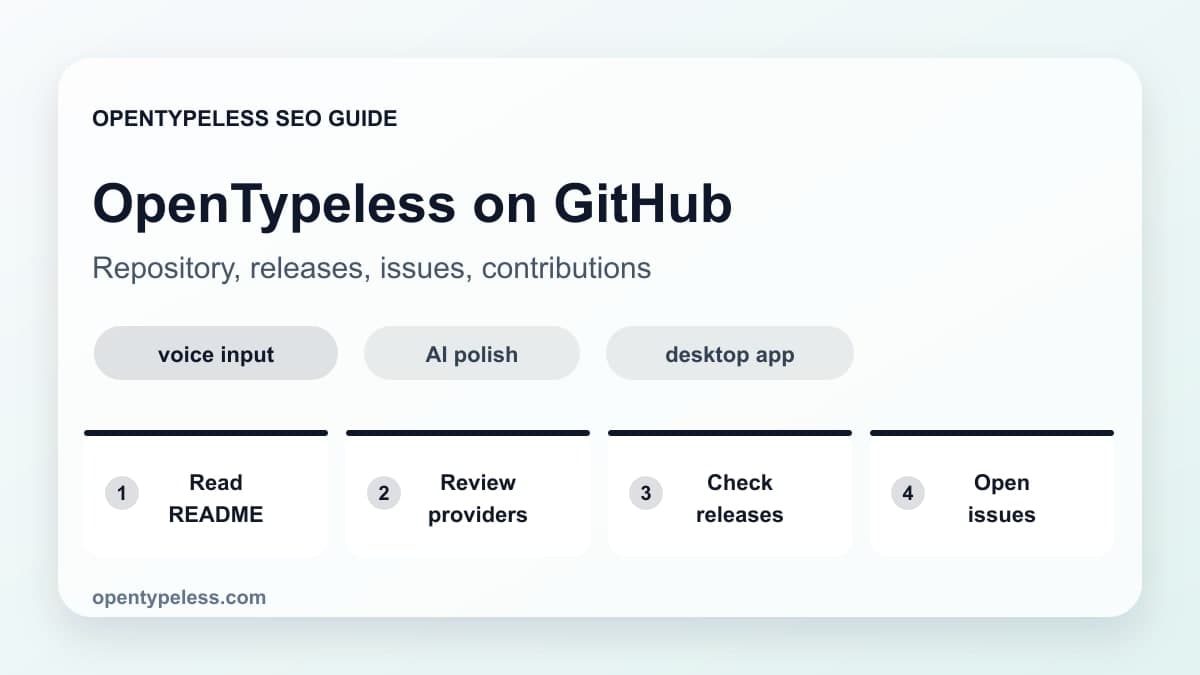
- Check the README for supported platforms and setup assumptions.
- Review provider-related code to understand STT and LLM routing.
- Look at issues to see current platform-specific limitations.
- Check release notes before installing from a build artifact.
- Use discussions or issues for contribution questions instead of guessing.
Build Locally for the Right Reason
Most users should start with the official download. Build from source when you want to inspect behavior, test a patch, add a provider, debug platform integration, or contribute. A source build is powerful, but it is not the fastest path to first voice input.
- Use the packaged app if your goal is normal daily use.
- Use a local build if your goal is development or auditing.
- Test provider keys with a small audio sample before changing settings deeply.
- Document platform issues clearly when opening a GitHub issue.
Good First Contribution Areas
Voice input apps touch many surfaces, which creates useful contribution opportunities. Documentation, provider setup examples, Linux desktop notes, prompt templates, and dictionary examples can be just as valuable as core application changes.
- Provider setup examples for specific STT or LLM APIs
- Linux distribution notes for hotkeys and text insertion
- Prompt templates for email, code review, and support replies
- Dictionary examples for technical and multilingual workflows
- Small reproduction cases for platform bugs