The Open Source Typeless Alternative: Why OpenTypeless Exists
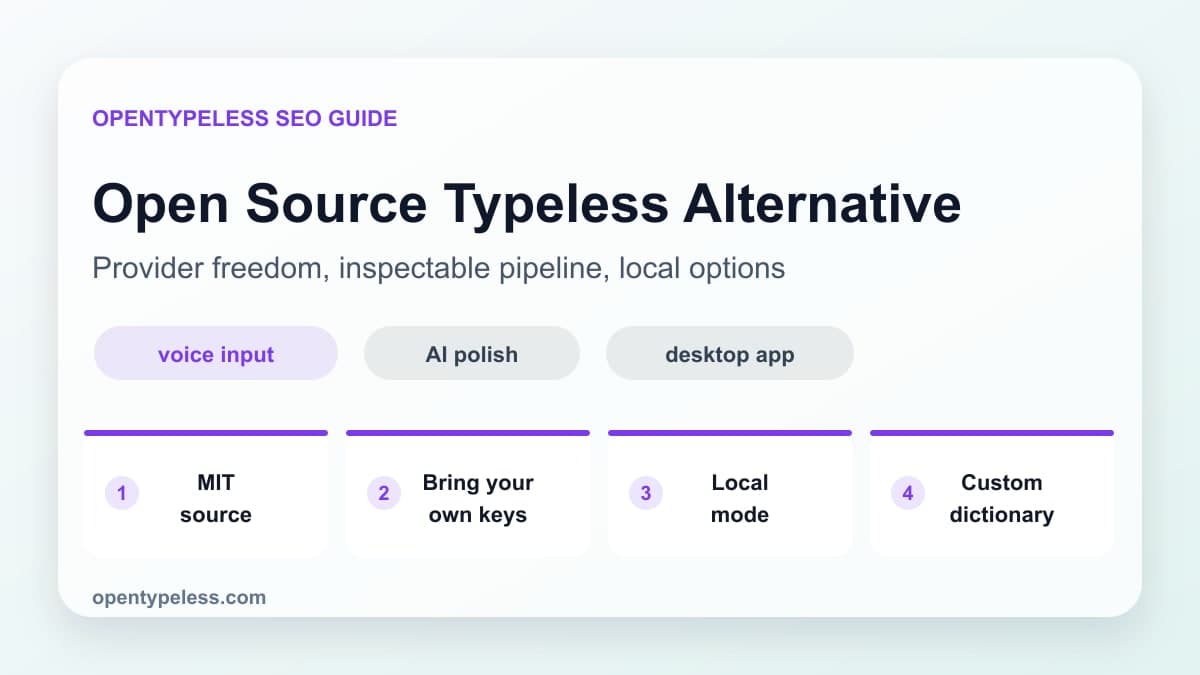
Many people search for an open-source Typeless alternative because they like the promise of AI dictation but do not want a black box. OpenTypeless exists for users who want the voice input pipeline to be inspectable and configurable across their supported desktop systems.
What Open Source Changes
Open source is not only a licensing detail. For a voice input tool, it affects trust. Your microphone, transcripts, API keys, prompt behavior, and provider routing are all sensitive. Being able to inspect the app, understand the pipeline, and choose providers makes the workflow easier to trust.
- You can review how audio and text move through the app.
- You can bring your own STT and LLM provider keys.
- You can use local models when cloud processing is not appropriate.
- You can customize prompts and dictionary behavior for your domain.
- You are not locked into one vendor's pricing or model choices.
Where OpenTypeless Fits
OpenTypeless is not trying to be a meeting recorder, a podcast transcription suite, or a general computer-control system. It is focused on desktop voice input: capture a thought, transcribe it, polish it, and put it into the app where you are already working.
- Developers can dictate issues, code comments, and review notes.
- Writers can draft paragraphs without losing momentum.
- Founders can dictate email and support drafts, then review the output before sending.
- Teams can standardize prompts while keeping provider flexibility.
- Privacy-sensitive users can choose local-first settings.
What to Compare Before Switching
When comparing Typeless alternatives, look beyond the landing page. Test the real workflow in your own apps, check provider options, confirm the cost model, and see whether the tool can preserve your technical vocabulary.
- Does it work across your actual desktop apps?
- Can you choose STT and LLM providers?
- Can you inspect or self-host important parts of the workflow?
- Can it handle your names, acronyms, and technical terms?