Free Wispr Flow Alternative
A Wispr Flow-style voice input workflow for people who need open source code, Windows or Linux support, provider choice, and local/private options.
OpenTypeless is a strong fit if you want a Wispr Flow-style global hotkey voice input workflow without being locked to one platform or bundled provider. It is open source, supports Windows, macOS, and Linux, and lets you bring your own STT and LLM providers for transcription and AI text polishing.
OpenTypeless is not affiliated with Wispr Flow. This page explains when OpenTypeless is a useful alternative for users who need open source code, cross-platform support, or BYOK provider control.
Choose by the job you need done
OpenTypeless is a strong fit if you want a Wispr Flow-style global hotkey voice input workflow without being locked to one platform or bundled provider. It is open source, supports Windows, macOS, and Linux, and lets you bring your own STT and LLM providers for transcription and AI text polishing.
Use Wispr Flow if you want a polished Mac-first product
A Mac-focused user who wants a bundled experience may prefer staying with a specialized commercial app.
Use OpenTypeless if you need cross-platform voice input
OpenTypeless supports Windows, macOS, and Linux, which helps when your home machine and work machine are not the same platform.
Use OpenTypeless if provider control matters
Bring your own STT and LLM providers, test different engines, and keep local/private paths available when needed.
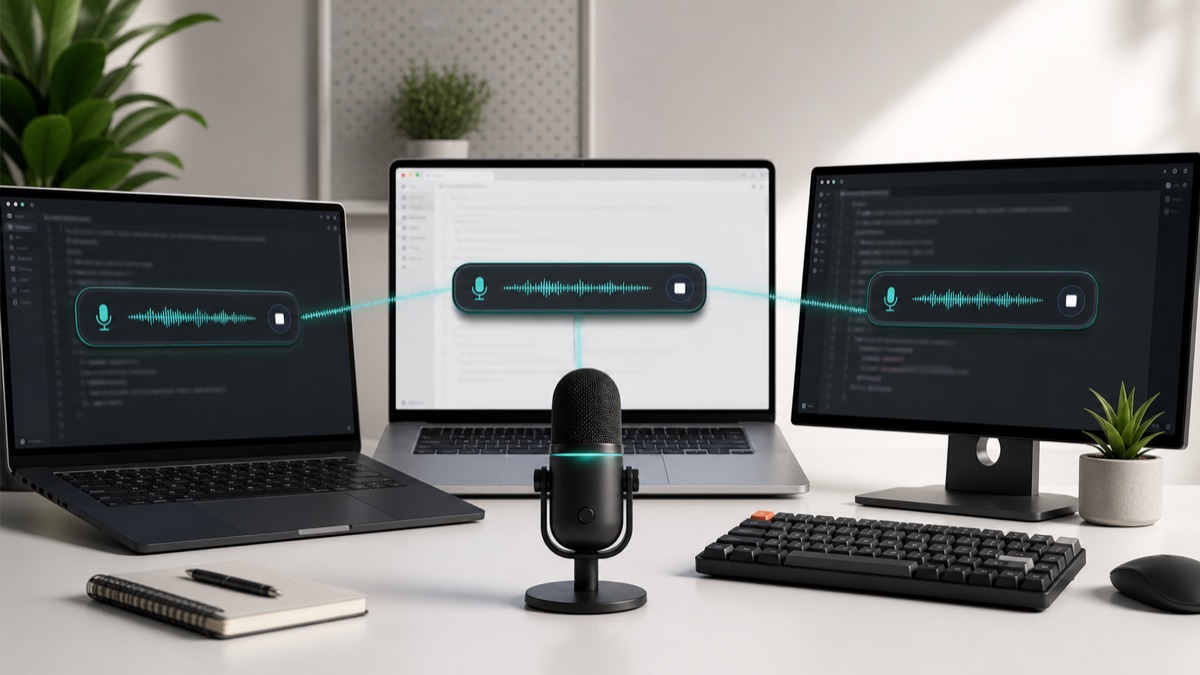
Real OpenTypeless workflow
Generated visuals can explain an idea, but product proof should stay close to the app UI.
Why people look for a Wispr Flow alternative
The search intent is rarely just price. Users usually want the same fast voice-to-polished-text pattern, but with fewer platform or provider constraints.
OpenTypeless is built around that control: open-source code, cross-platform desktop builds, custom dictionary support, and provider choice.
What OpenTypeless adds
The app keeps the hotkey-driven recording capsule, then lets users choose the speech-to-text provider, choose the LLM polishing provider, and keep important names or technical terms in a custom dictionary.
That makes it useful for developers, writers, support teams, multilingual users, and anyone who wants a durable desktop workflow rather than a single-provider subscription.

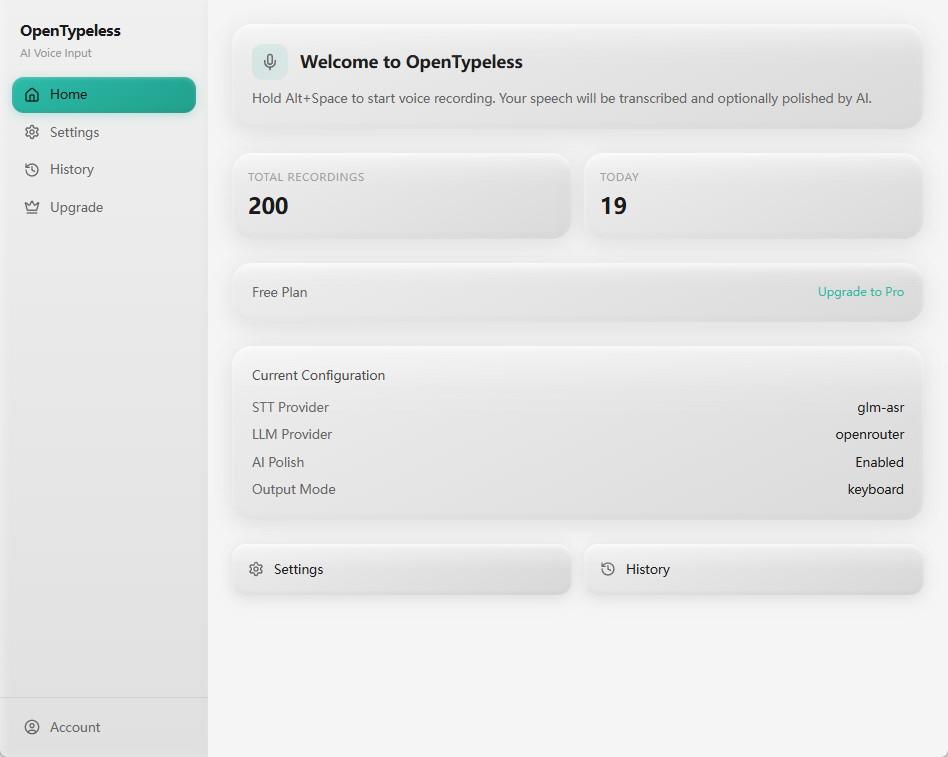
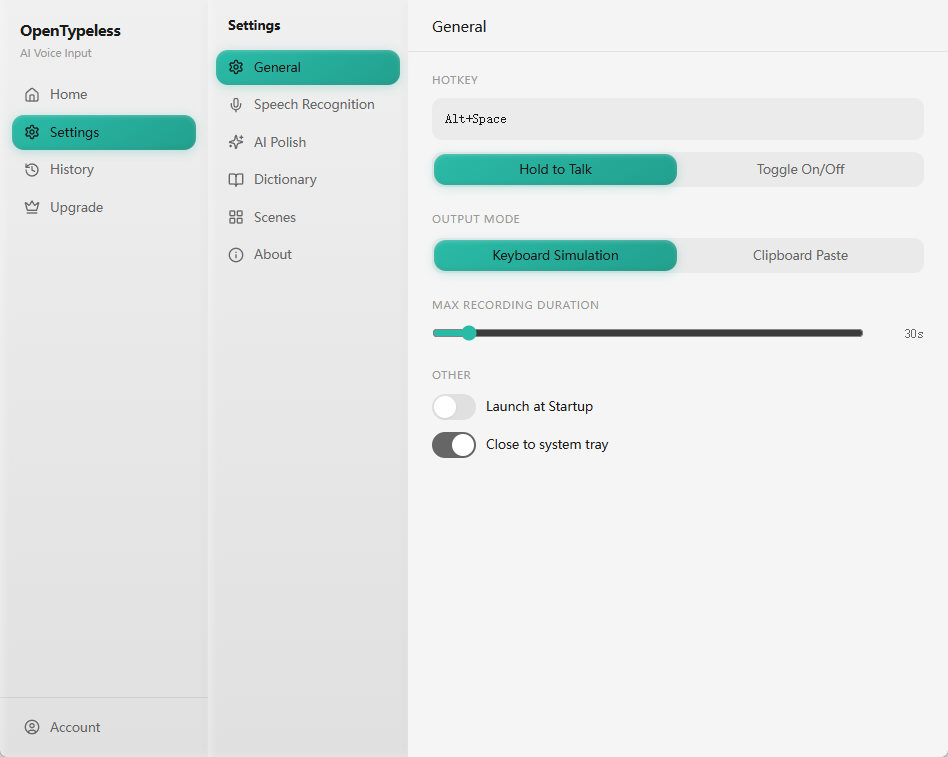
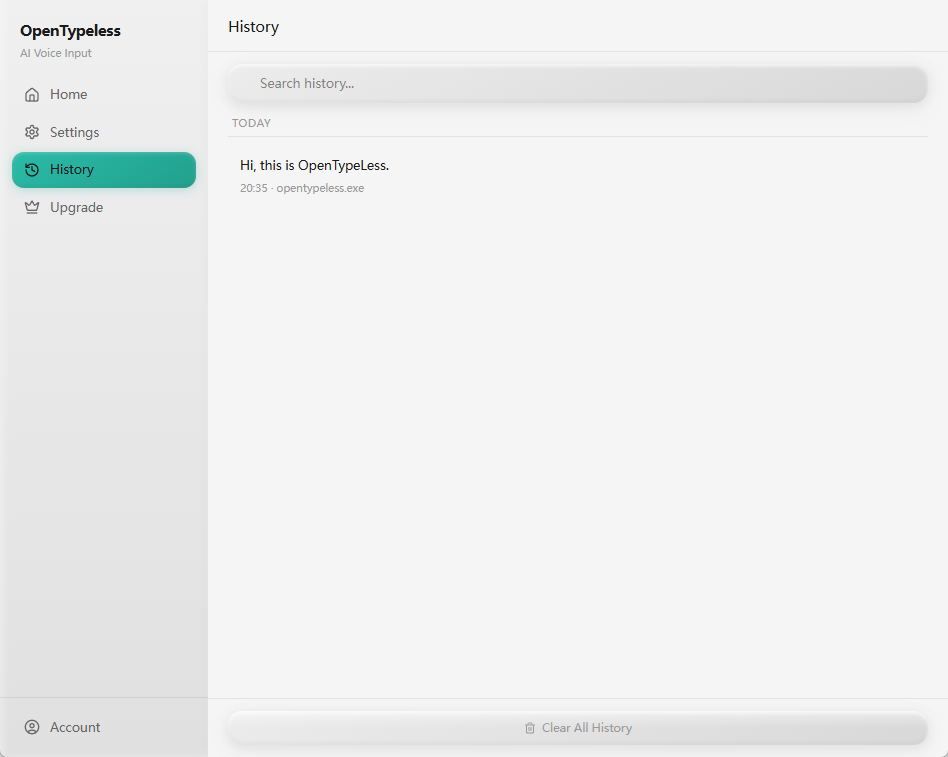
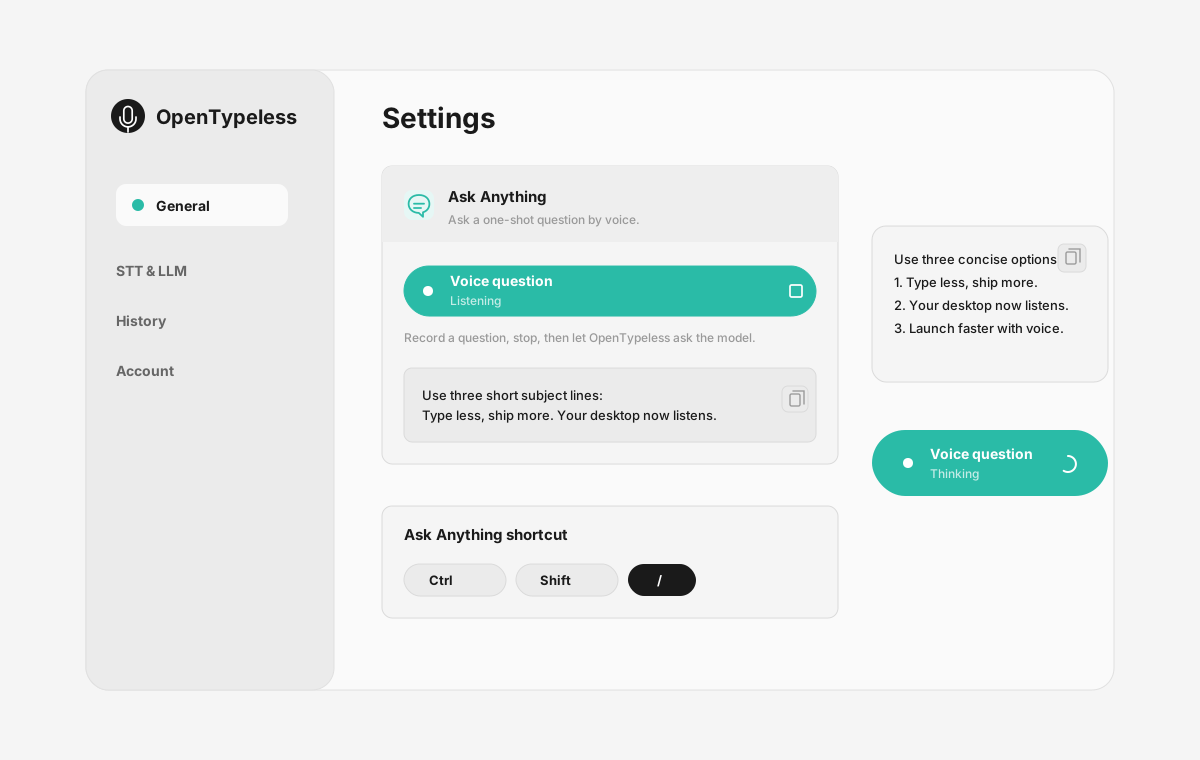
Product UI behind the workflow
A quick look at dictation, provider setup, history, and the Ask Anything voice flow.
Wispr Flow vs OpenTypeless
The difference is control: platform coverage, source access, and provider choice.
| Decision point | Wispr Flow | OpenTypeless |
|---|---|---|
| Source model | Closed commercial product | Open-source desktop app |
| Platforms | Mac-first workflow | Windows, macOS, Linux |
| Provider choice | Bundled provider path | BYOK STT and LLM providers |
| Local/private options | Depends on product path | Local and self-managed provider paths available |
Switch to an open provider workflow
The setup is meant to preserve the muscle memory of press, speak, and insert.
Download OpenTypeless
Install the desktop build for your operating system.
Pick STT
Start with a hosted provider for speed or a local path for privacy.
Pick AI polishing
Choose the LLM provider that best fits your cost, quality, and privacy needs.
Set your hotkey
Use a global shortcut and test the flow in your daily writing apps.
FAQ
Short answers for the search questions this page targets.
Is OpenTypeless a free Wispr Flow alternative?
Yes. OpenTypeless is free and open source. Managed cloud providers may have usage costs, but you can bring your own keys and choose local/private paths.
Is OpenTypeless affiliated with Wispr Flow?
No. OpenTypeless is an independent open-source project and is not affiliated with Wispr Flow.
Does OpenTypeless work on Windows?
Yes. OpenTypeless supports Windows, macOS, and Linux.
Can I use OpenTypeless on Linux?
Yes. Linux support is one of the main reasons users consider OpenTypeless as a cross-platform voice input tool.
Can I bring my own API keys?
Yes. OpenTypeless is designed around BYOK provider control for both STT and LLM polishing.
Related pages
Continue the same search journey with deeper guides and comparisons.
Try the desktop voice input workflow
Start with a real daily writing app, then tune providers, prompts, dictionary terms, and local mode as your workflow becomes clearer.