Free SuperWhisper Alternative
A cross-platform voice input workflow for users who like local Whisper-style dictation but need additional desktop systems, provider choice, or open-source code.
SuperWhisper is a polished Mac-focused voice workflow. OpenTypeless is the better fit when you need Windows or Linux support, want open-source code, need STT and LLM provider choice, or want to combine Whisper-compatible transcription with AI polishing in any desktop app.
OpenTypeless is not affiliated with SuperWhisper. This page is for users comparing independent voice input tools and looking for a free open-source alternative.
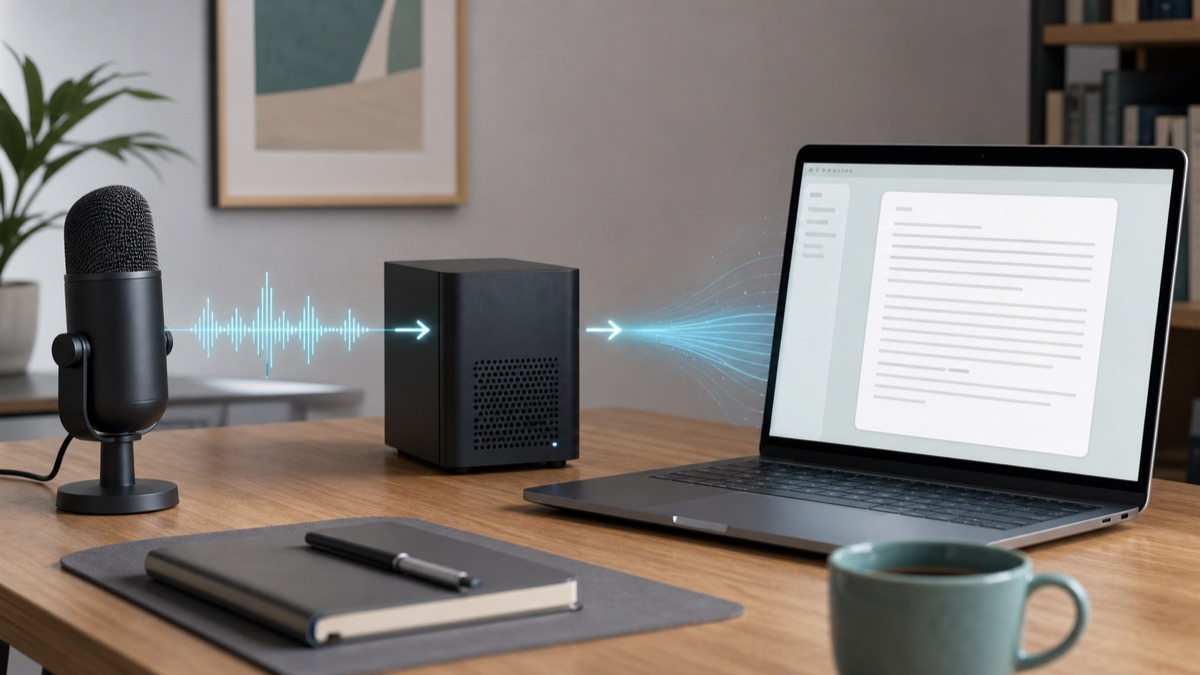
Choose by the job you need done
SuperWhisper is a polished Mac-focused voice workflow. OpenTypeless is the better fit when you need Windows or Linux support, want open-source code, need STT and LLM provider choice, or want to combine Whisper-compatible transcription with AI polishing in any desktop app.
Stay with SuperWhisper for a Mac-native focus
If your workflow is on macOS and you prefer a bundled product, compare the current platform documentation and test the complete workflow in your daily applications.
Choose OpenTypeless for Windows and Linux
OpenTypeless is built for users who need the same dictation workflow across multiple operating systems.
Choose OpenTypeless for provider choice
Use Whisper-compatible providers, hosted STT APIs, local setups, and your preferred LLM polishing provider.
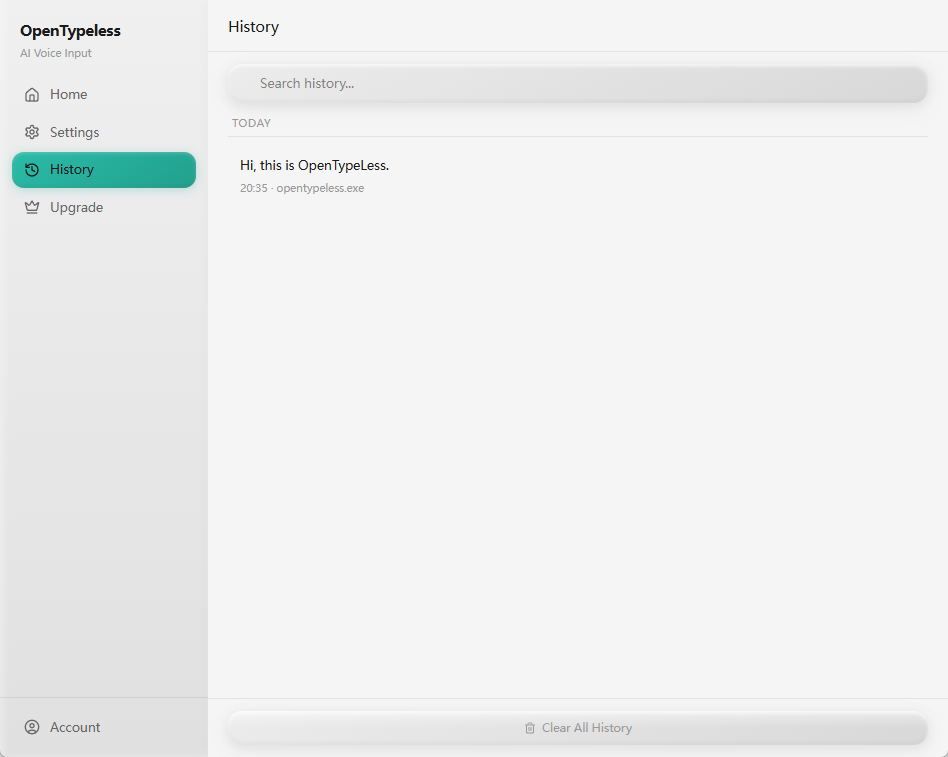
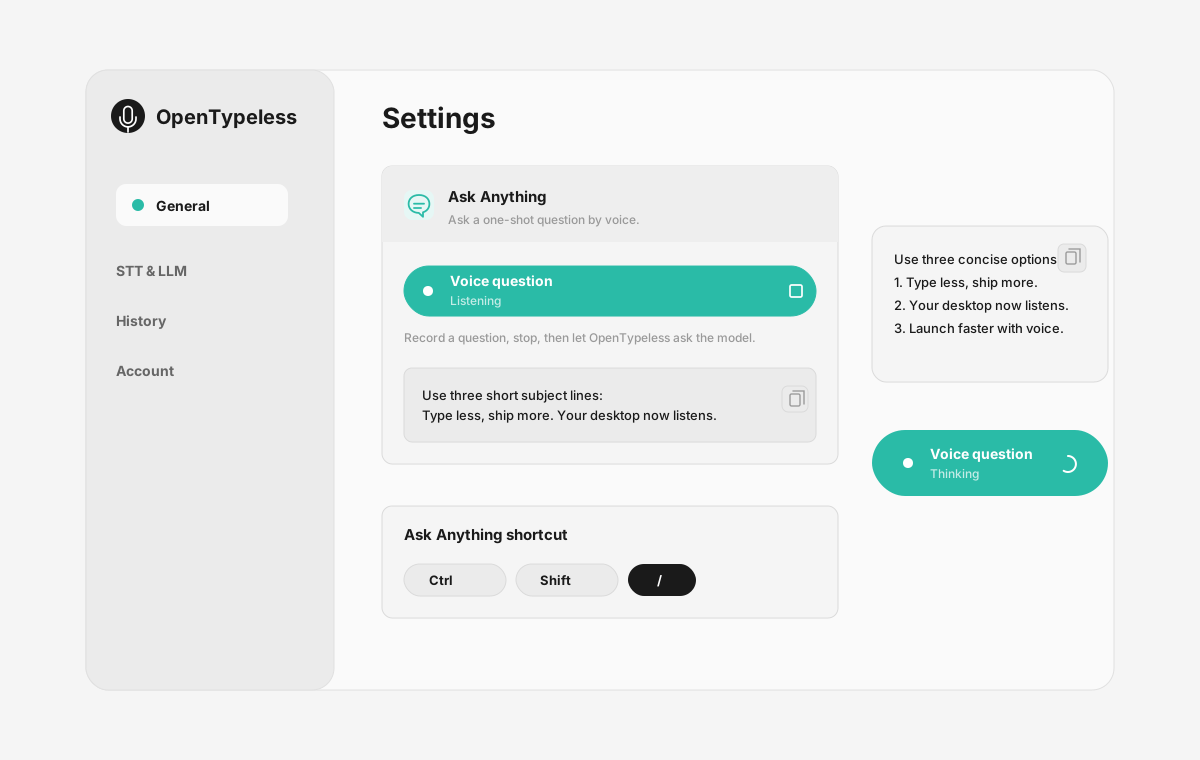
Real OpenTypeless workflow
Generated visuals can explain an idea, but product proof should stay close to the app UI.
Why users compare SuperWhisper and OpenTypeless
The overlap is voice input: press a shortcut, speak naturally, and get usable text. The difference is control over platform, providers, and source code.
OpenTypeless is useful when your workflow is not Mac-only, when you want to audit the app, or when you need to choose the provider stack yourself.
Local Whisper without losing the desktop workflow
OpenTypeless can connect to Whisper-compatible paths while still providing the desktop shell: hotkey recording, output insertion, dictionary terms, history, and AI cleanup.
That makes it more than a raw Whisper wrapper. The value is the everyday workflow around the model.
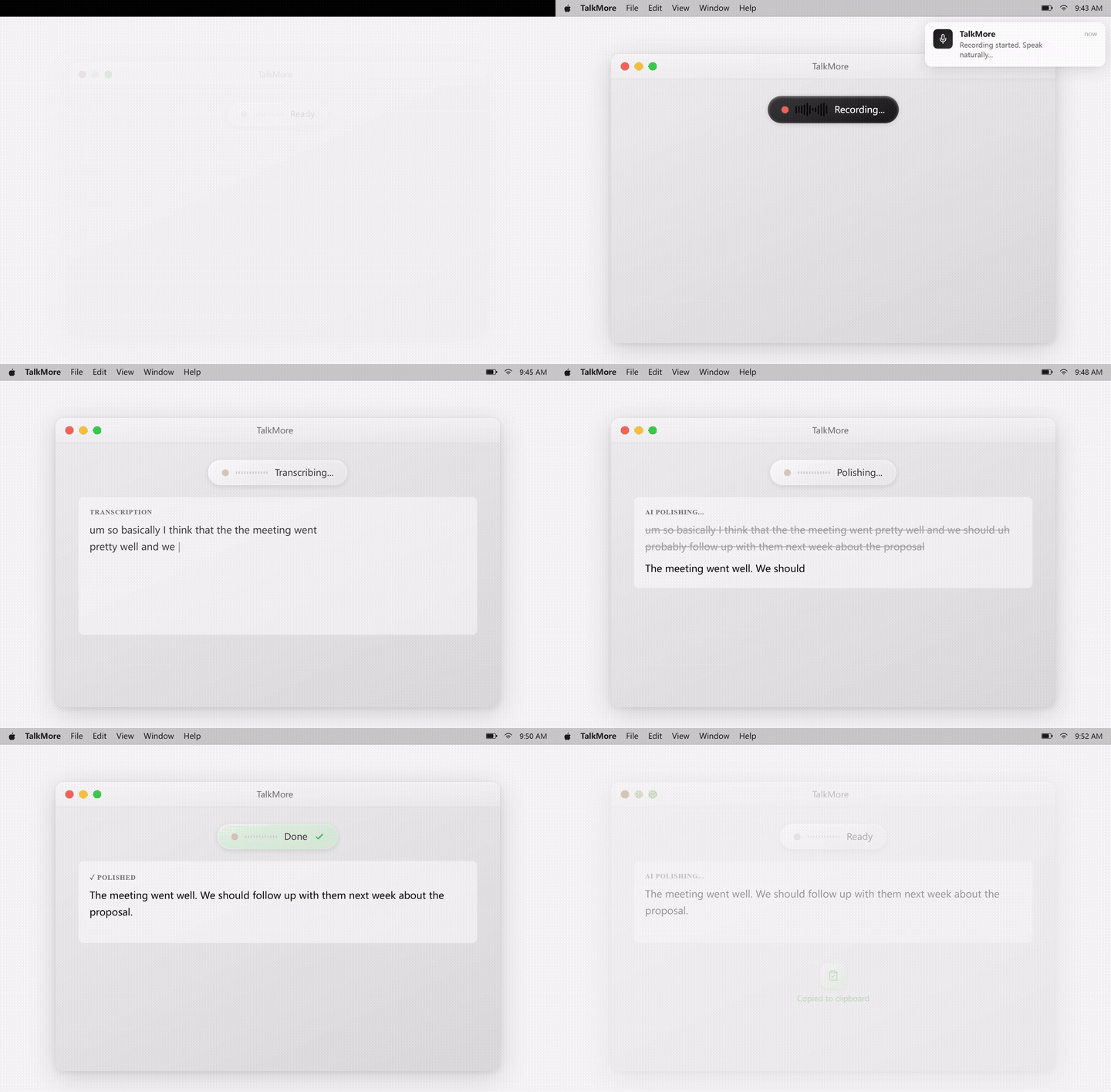
Product UI behind the workflow
A quick look at dictation, provider setup, history, and the Ask Anything voice flow.
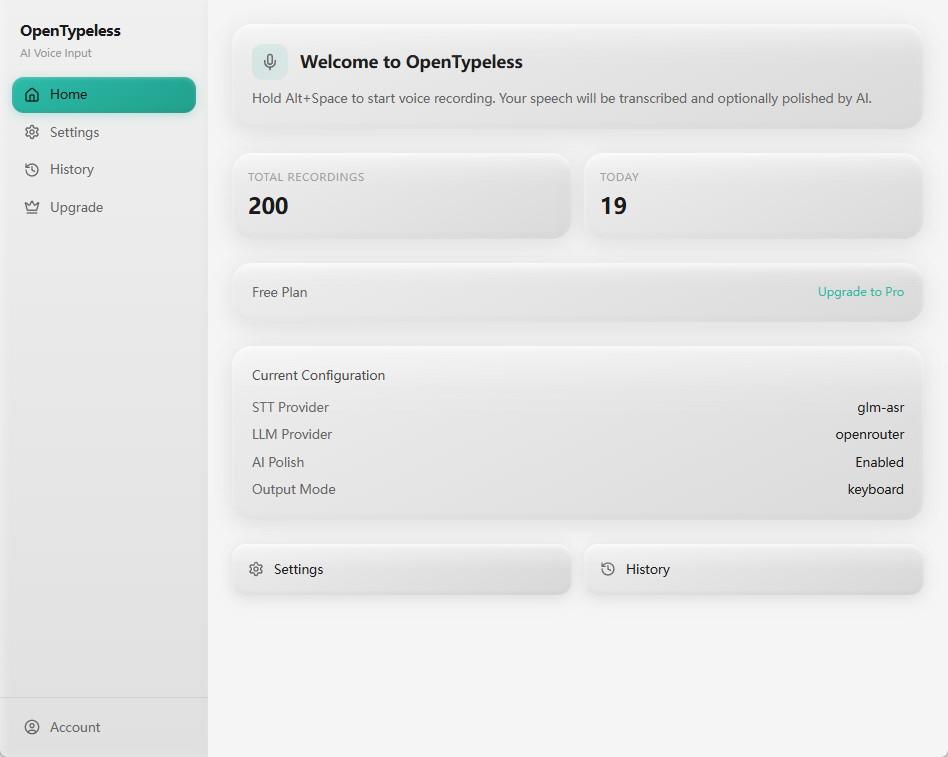
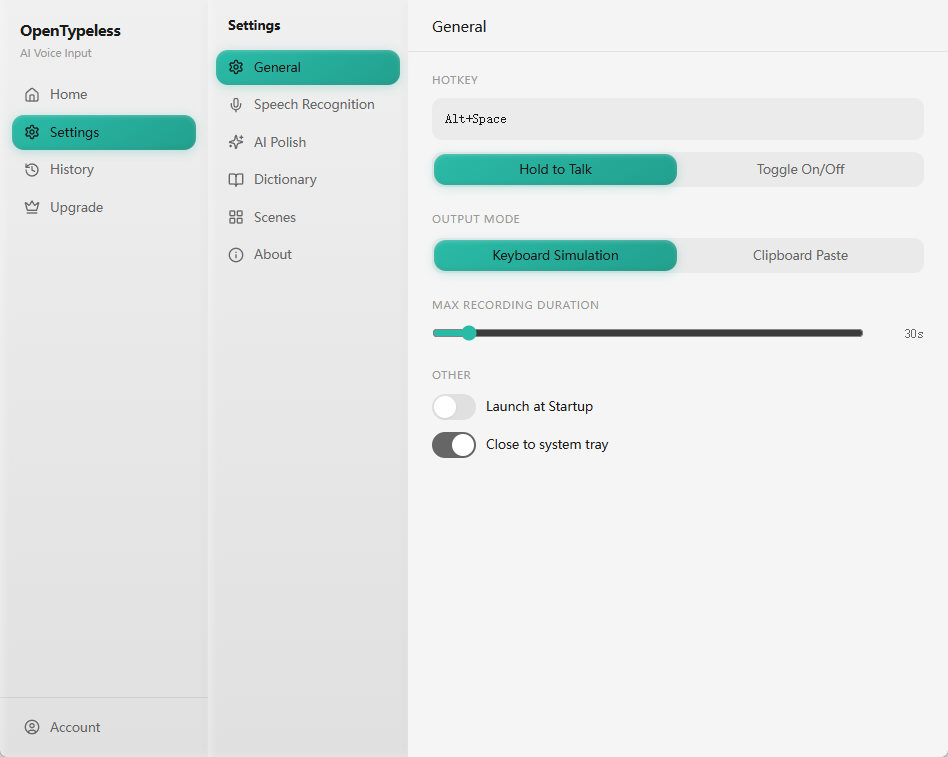
SuperWhisper vs OpenTypeless
Both are voice input tools, but they make different tradeoffs around platform and control.
| Decision point | SuperWhisper | OpenTypeless |
|---|---|---|
| Primary platform fit | Mac-focused | Windows, macOS, Linux |
| Source access | Closed product | Open-source project |
| Whisper-compatible paths | Core product direction | Supported alongside other STT providers |
| LLM provider choice | Product-managed path | BYOK and local/self-managed options |
Set up an open SuperWhisper-style workflow
Keep the voice-first habit while gaining platform and provider flexibility.
Install OpenTypeless
Download the current build for a supported desktop system.
Choose transcription
Use a Whisper-compatible path or another STT provider such as Deepgram.
Enable polishing
Choose an LLM provider for grammar, punctuation, tone, and formatting cleanup.
Test real work
Try the hotkey in email, notes, docs, code review, and chat apps.
FAQ
Short answers for the search questions this page targets.
Is OpenTypeless a free SuperWhisper alternative?
Yes. OpenTypeless is free and open source, with optional cloud/provider usage depending on how you configure STT and LLM providers.
Is OpenTypeless affiliated with SuperWhisper?
No. OpenTypeless is an independent project and is not affiliated with SuperWhisper.
Does OpenTypeless work on Windows?
Yes. OpenTypeless supports Windows in addition to macOS and Linux.
Is there a Linux alternative to SuperWhisper?
OpenTypeless is a strong option for Linux users who want hotkey voice input with provider choice and optional local/private setups.
Can OpenTypeless run local Whisper?
OpenTypeless can work with Whisper-compatible local or hosted paths when configured through supported providers.
Related pages
Continue the same search journey with deeper guides and comparisons.
Try the desktop voice input workflow
Start with a real daily writing app, then tune providers, prompts, dictionary terms, and local mode as your workflow becomes clearer.